Module 3 Formstorming

Weekly Activity

Jasmine Rose Ramos


Project 3


Module 3

Exploring P5 code with incorporating the Makey Makey

Activity 1
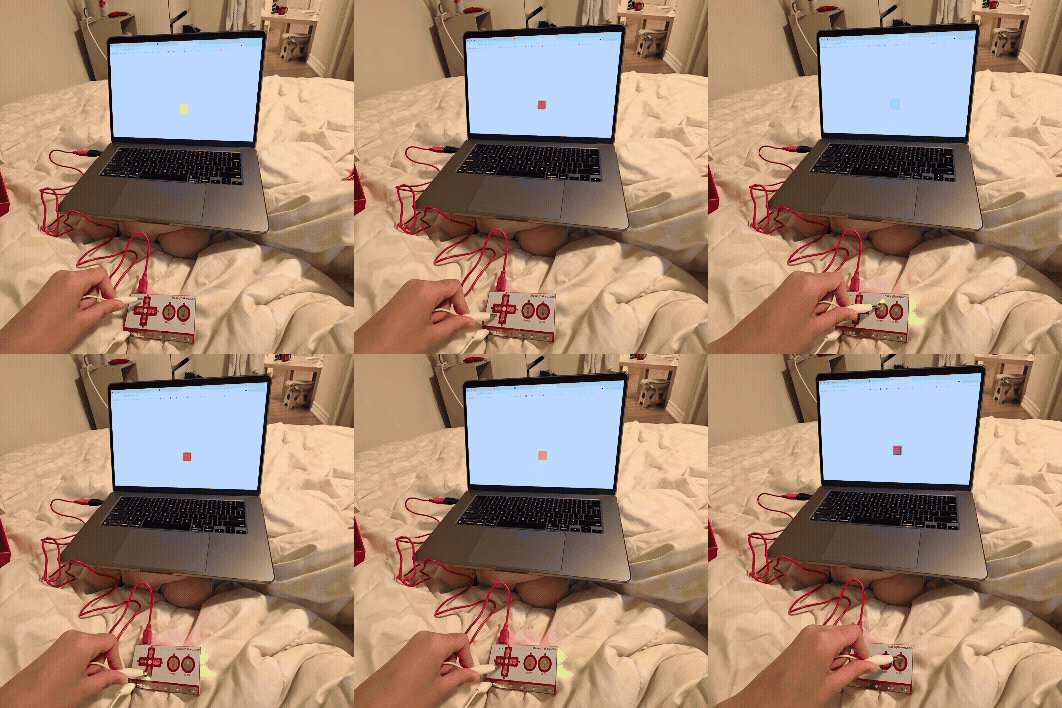
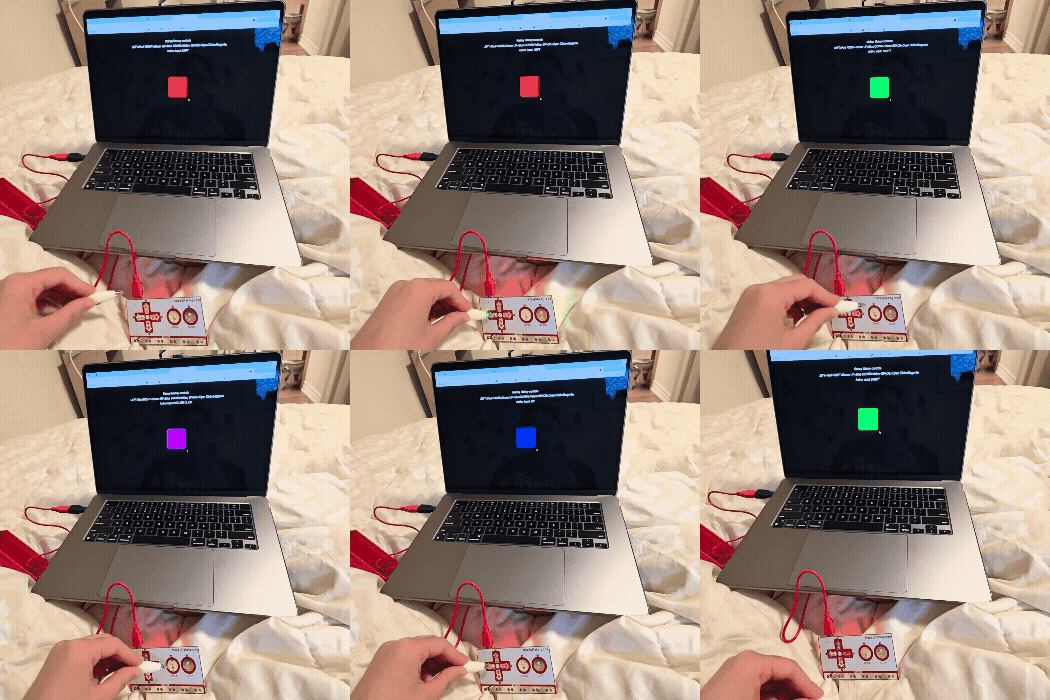
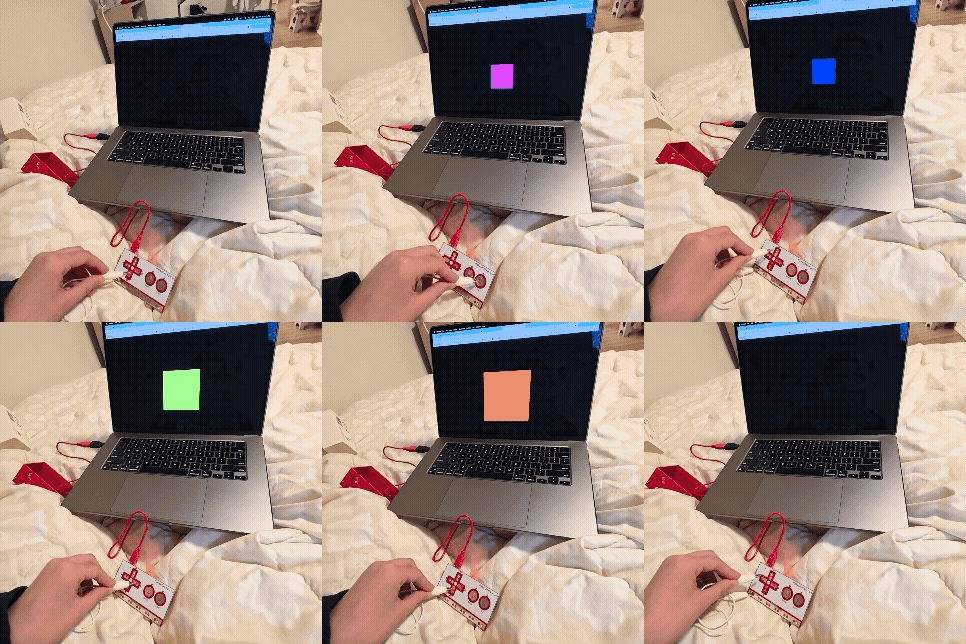
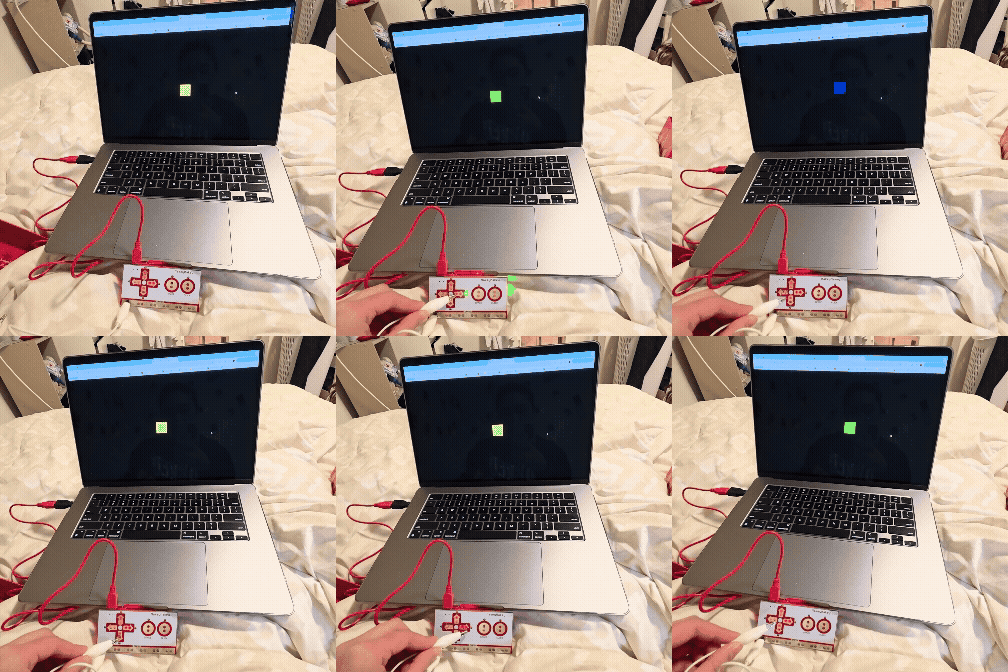
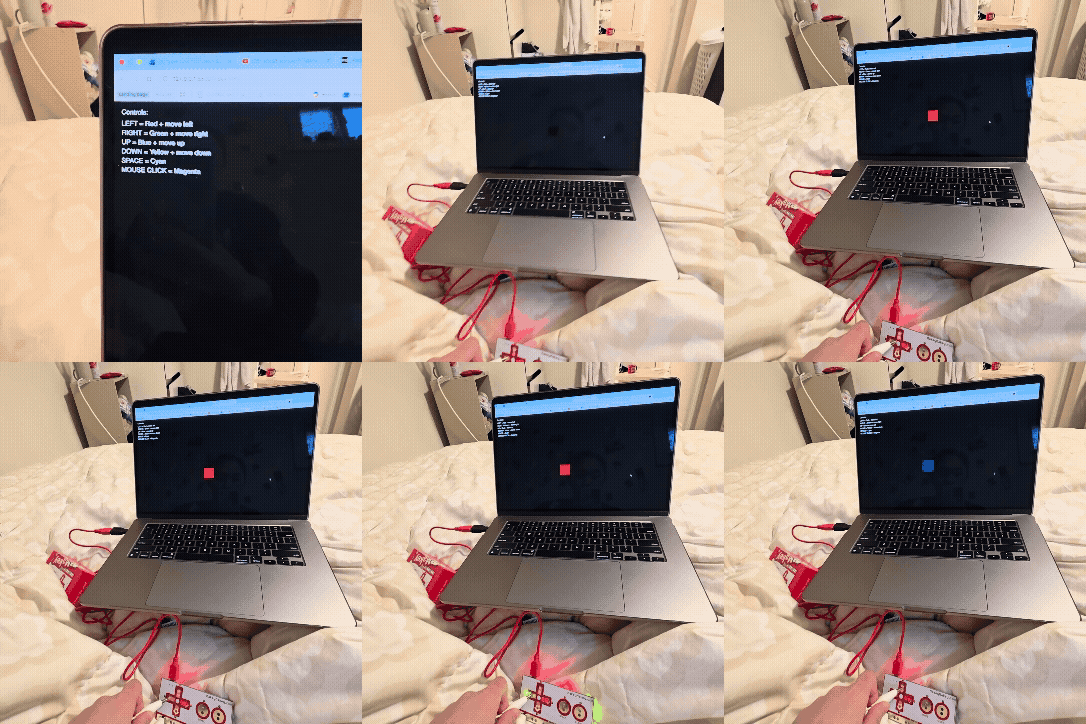
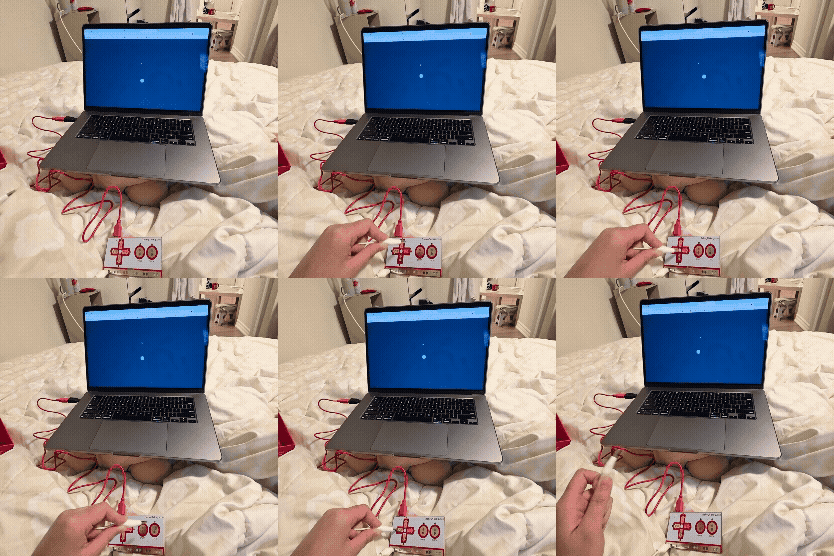
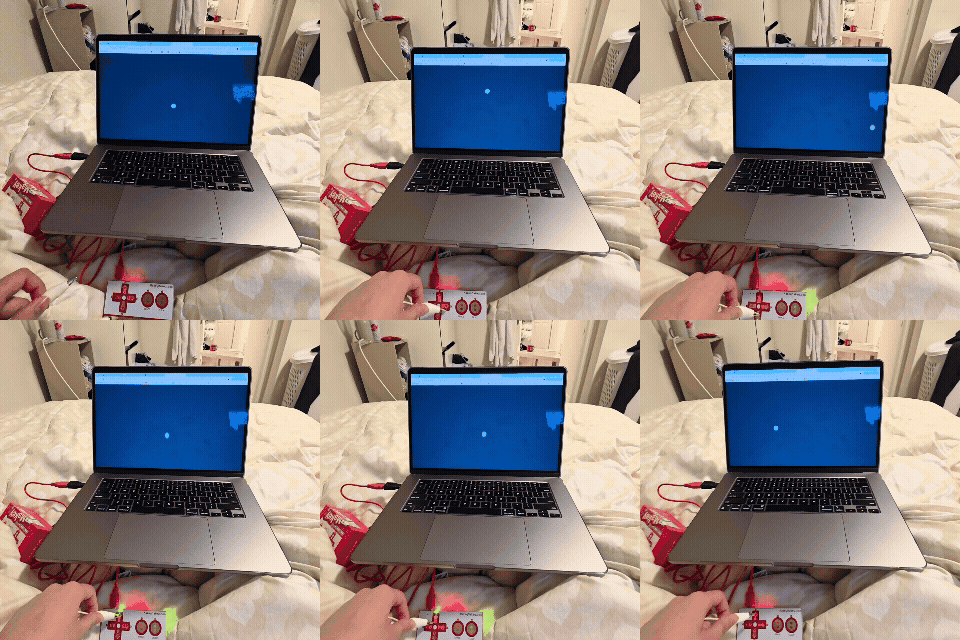
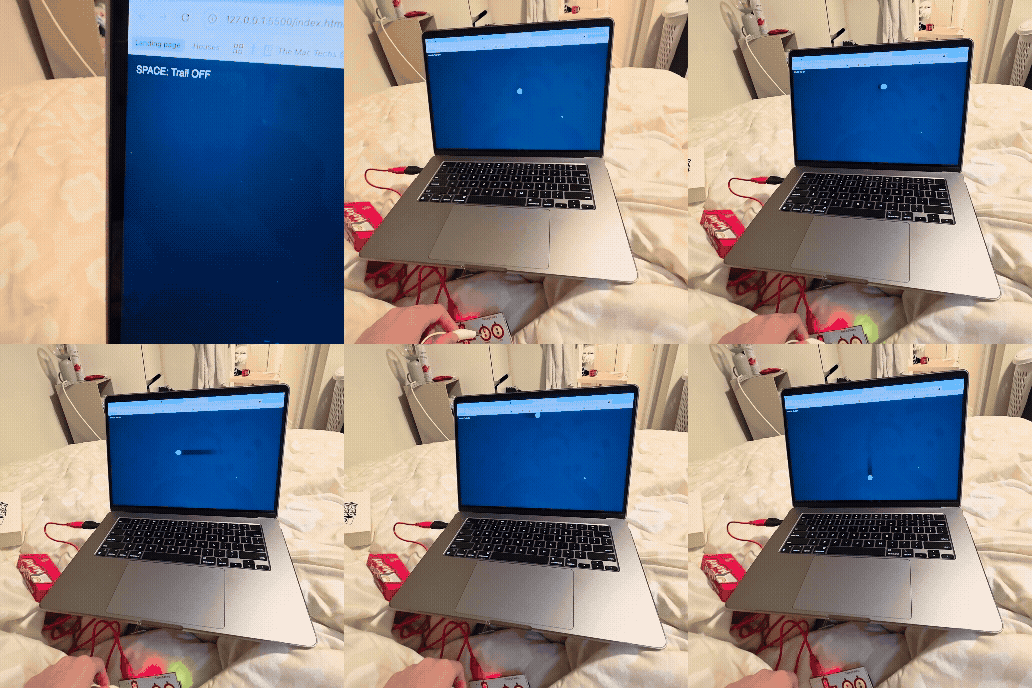
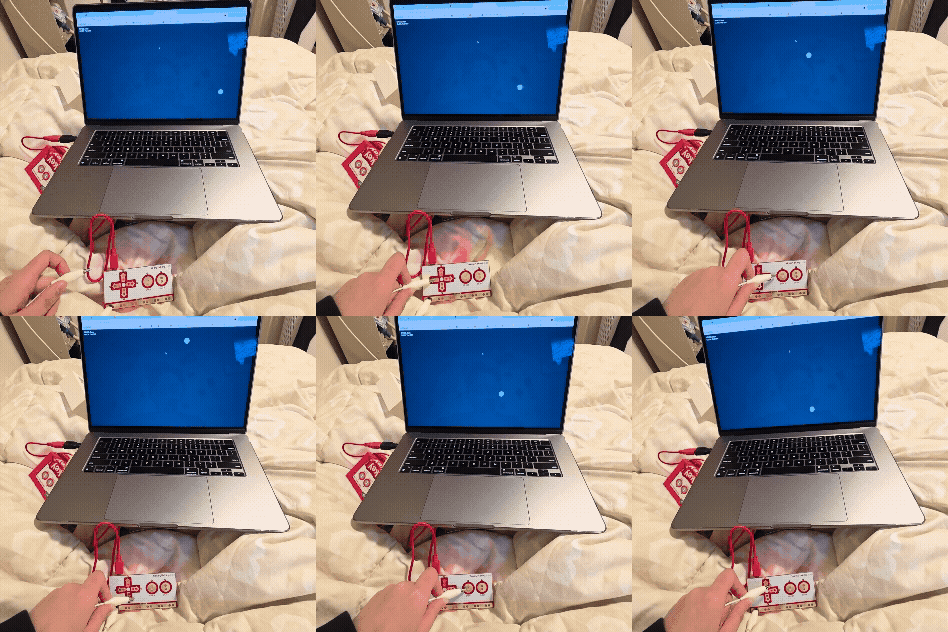
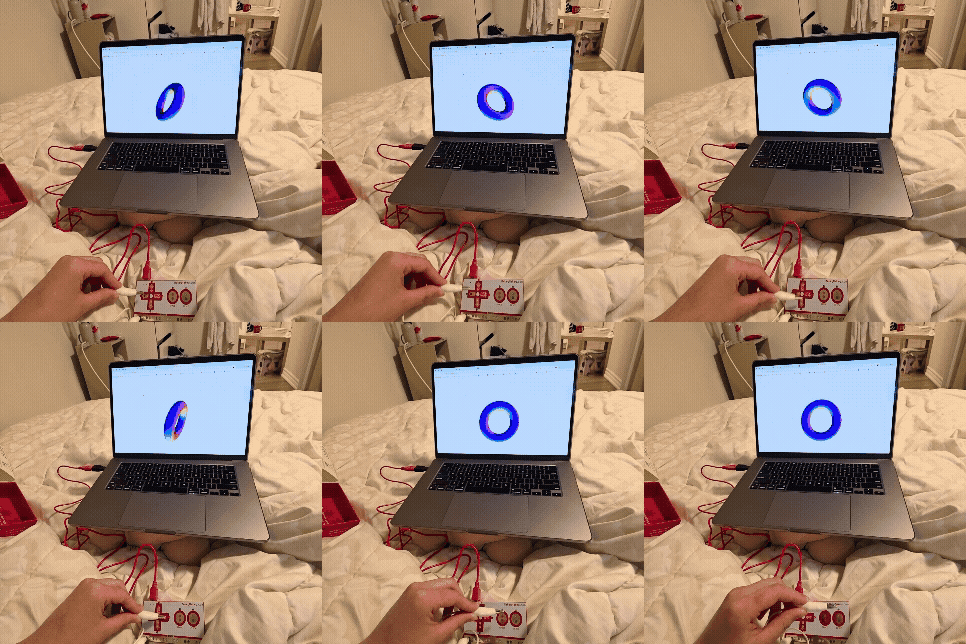
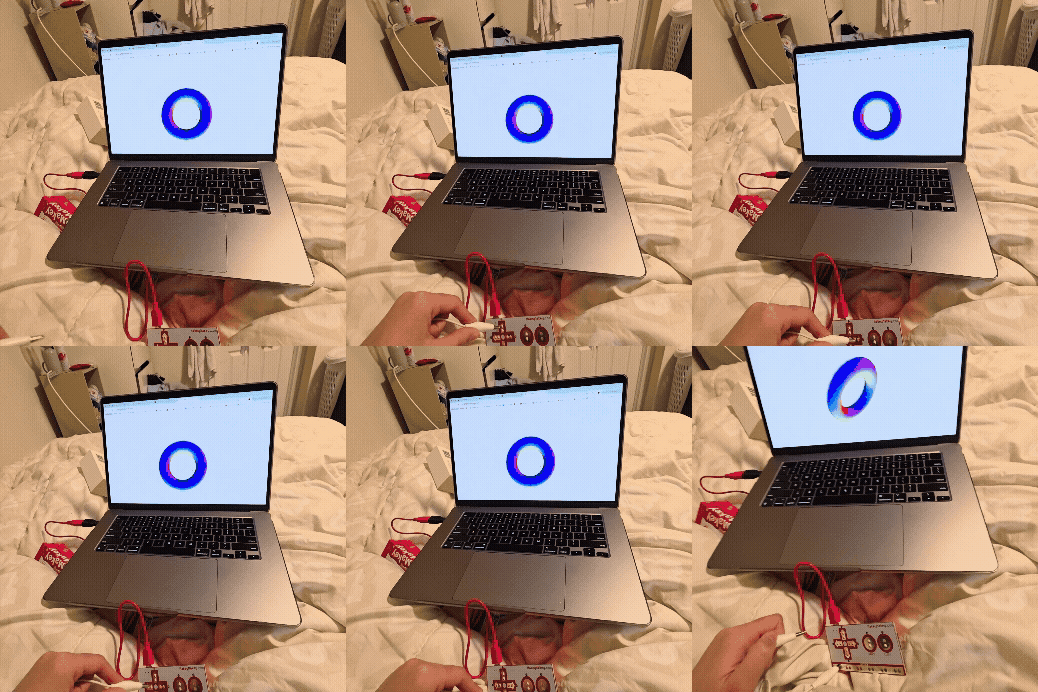
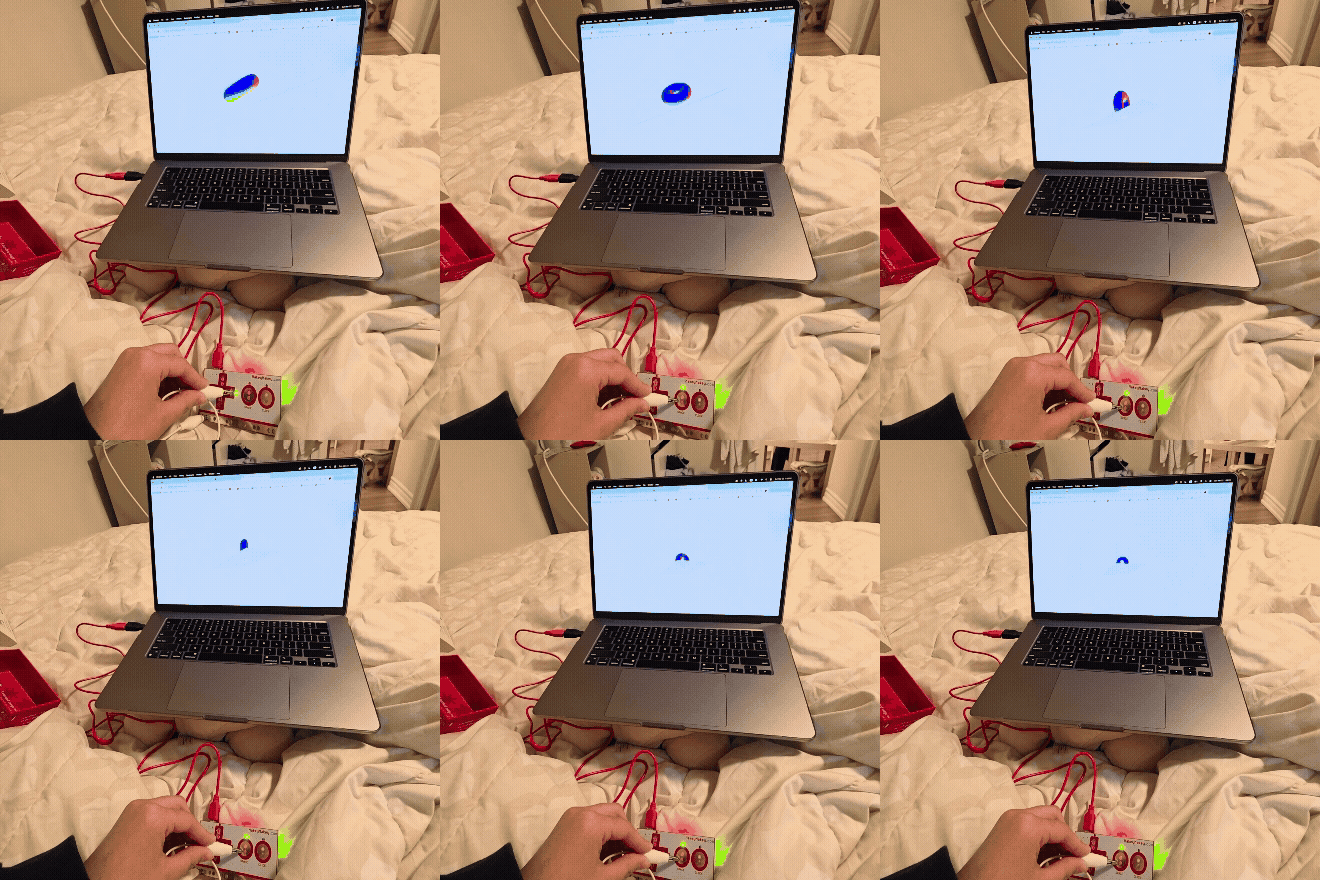
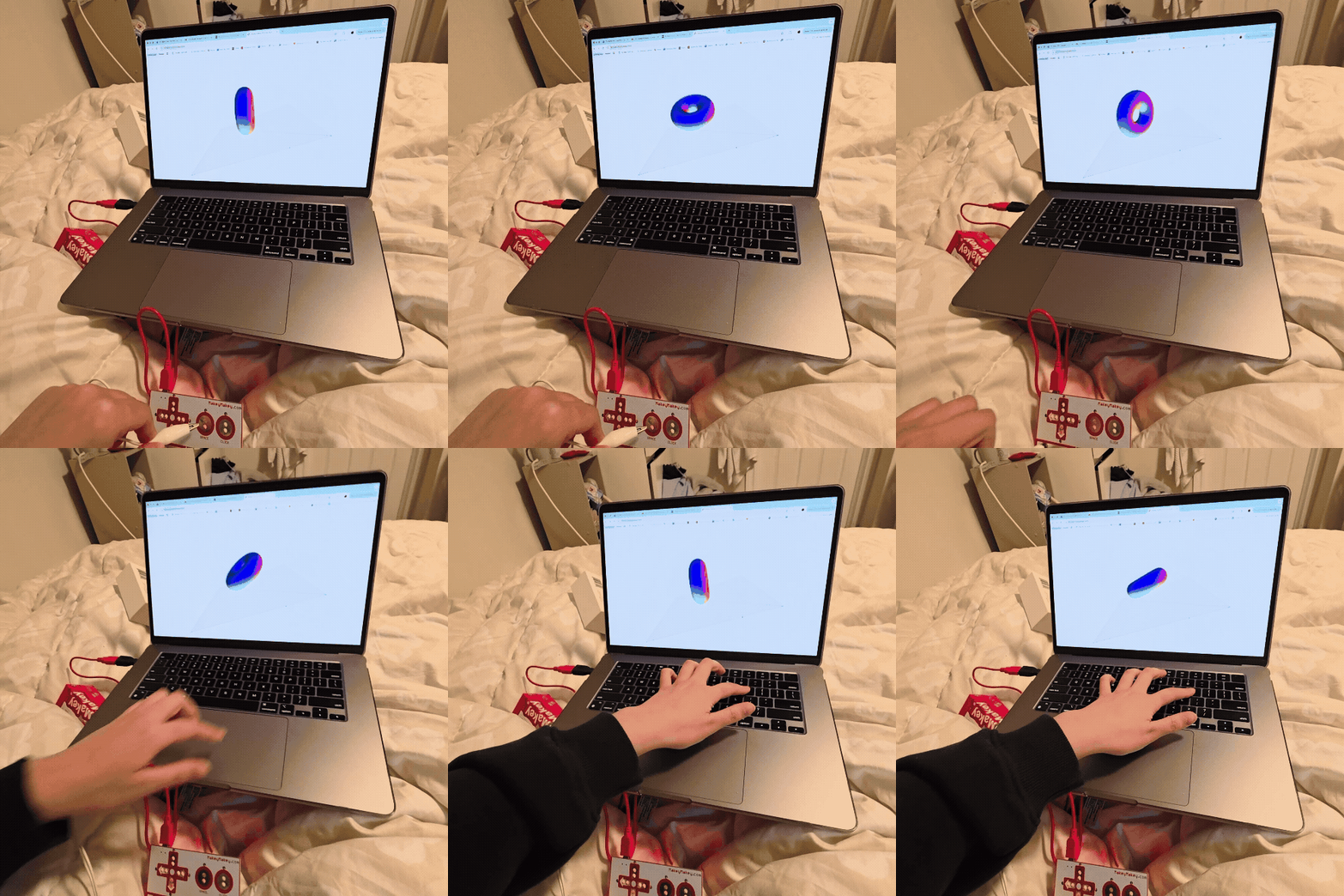
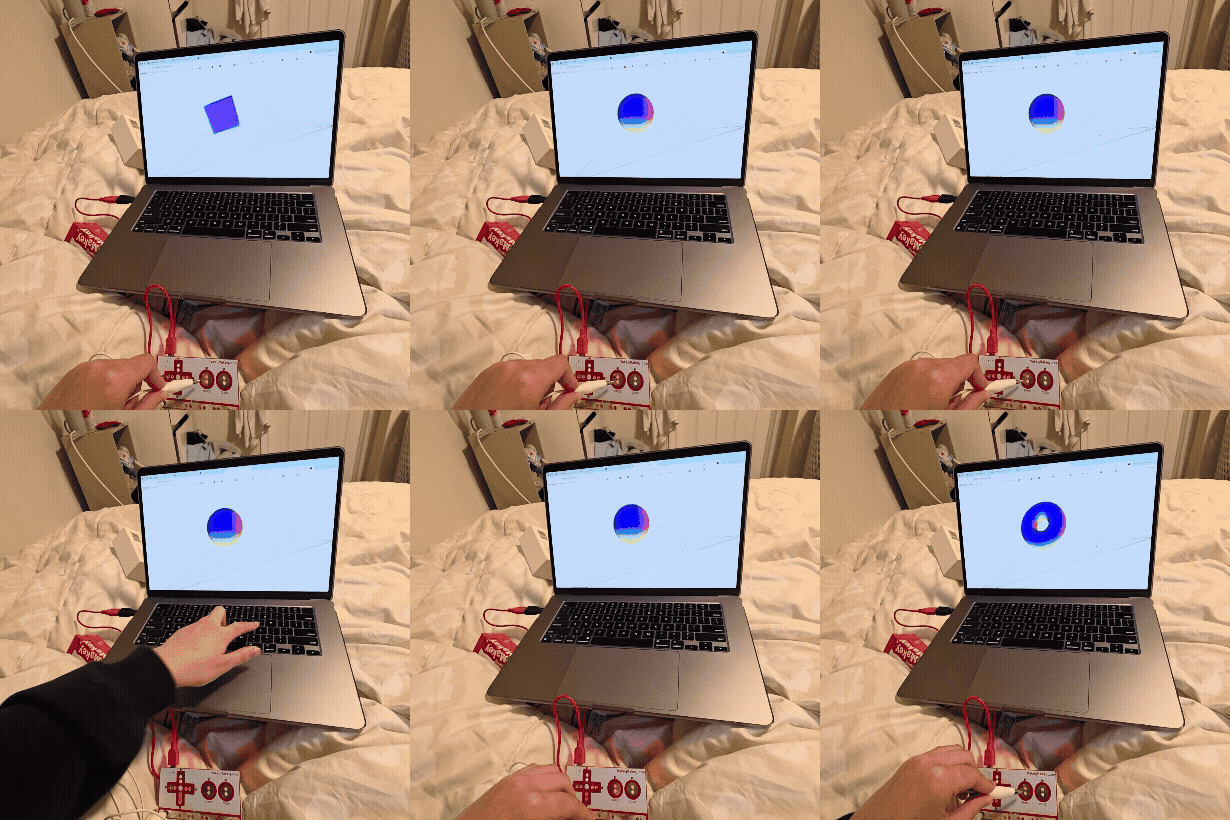
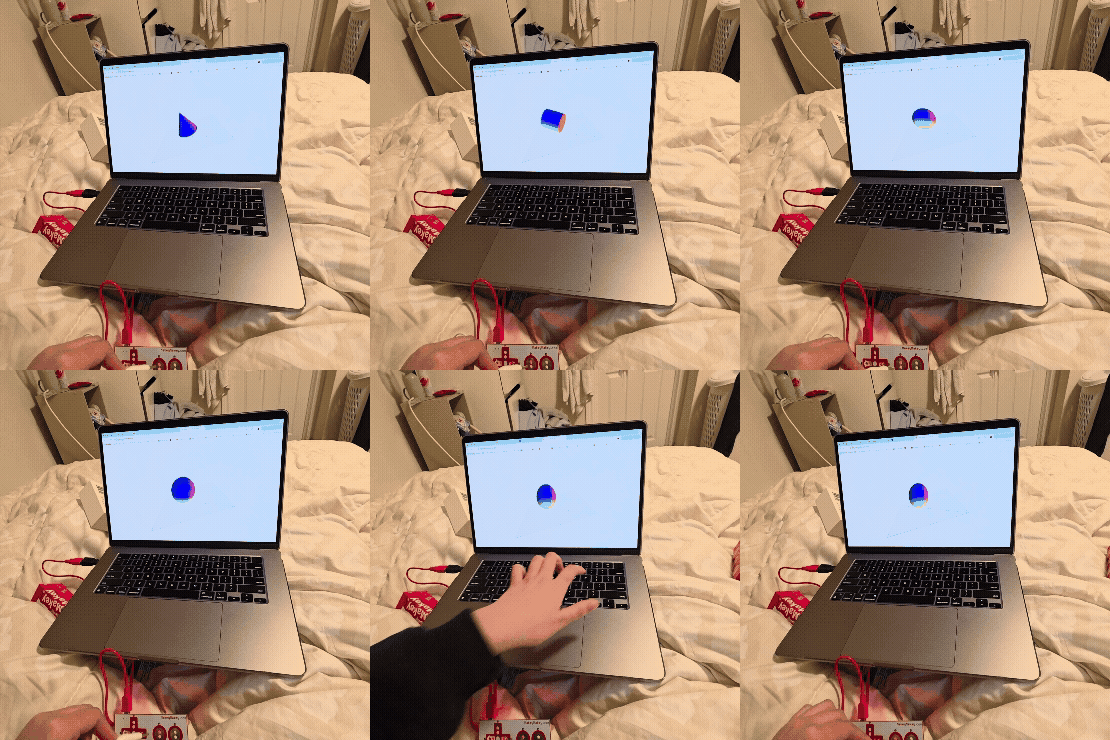
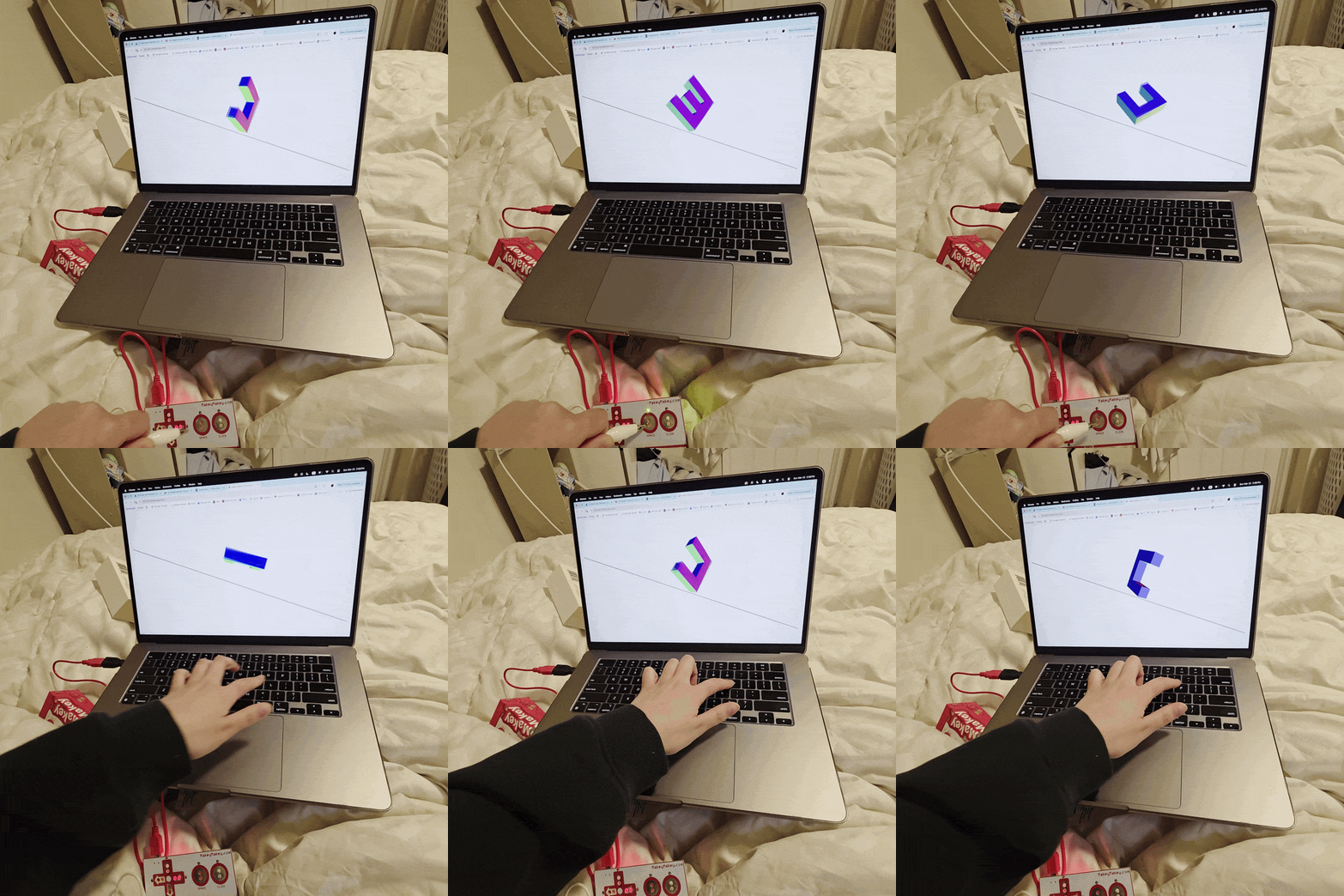
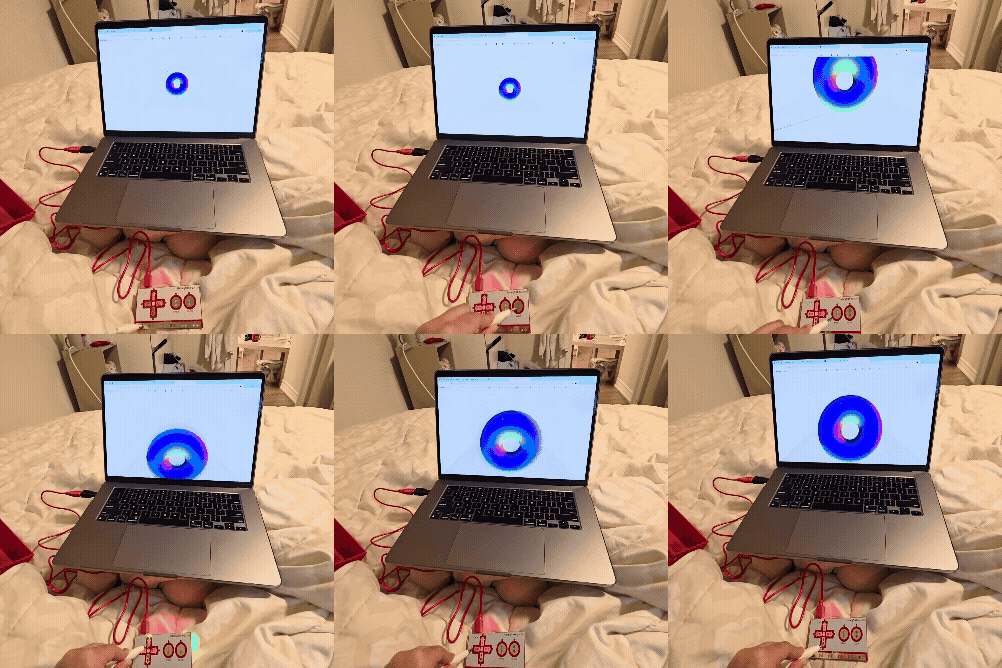
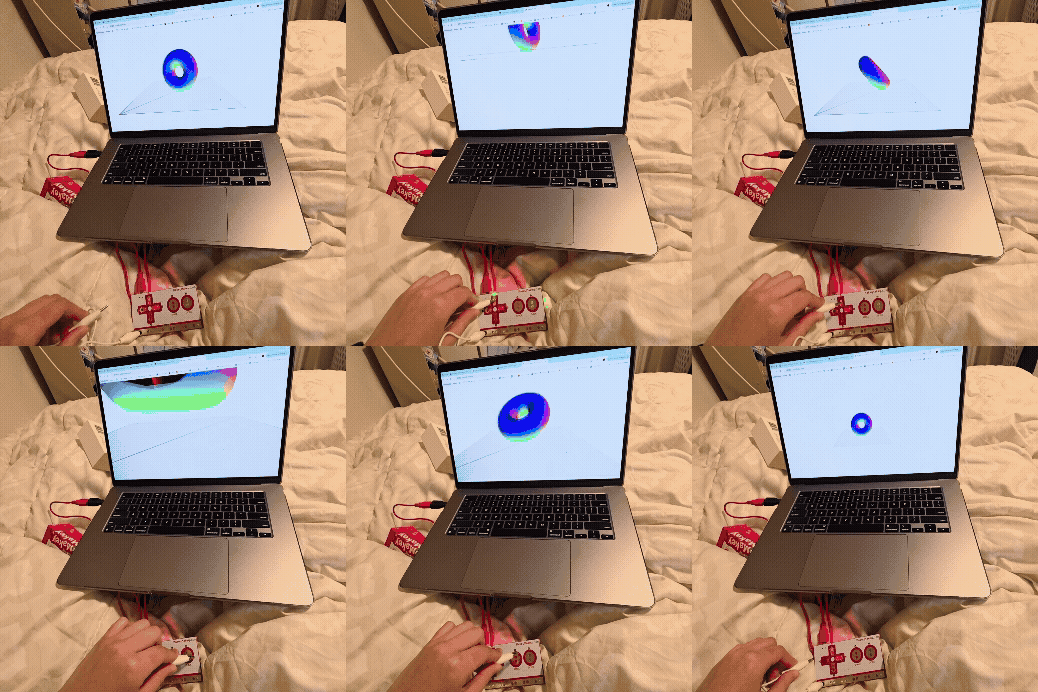
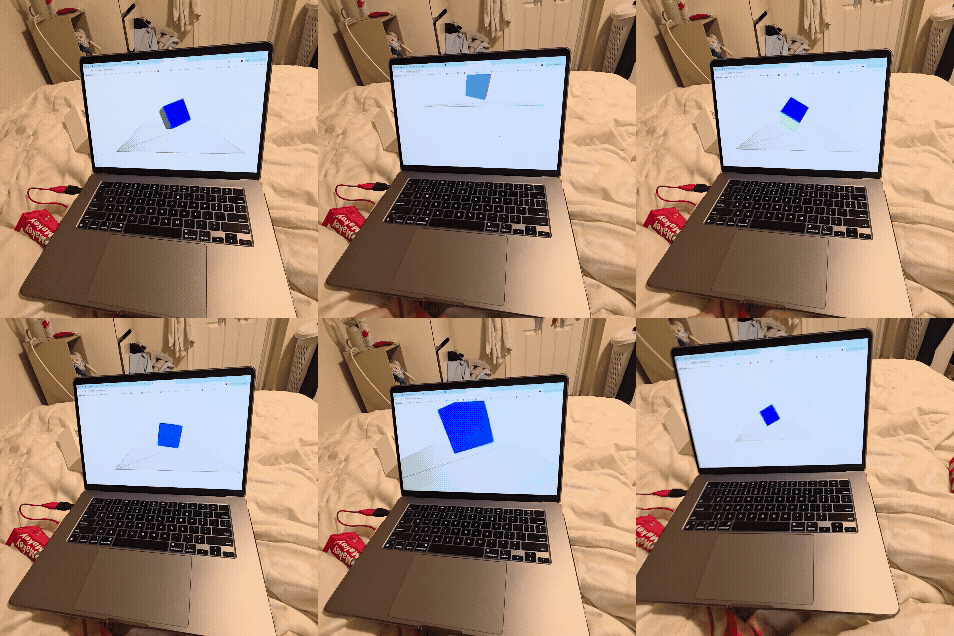
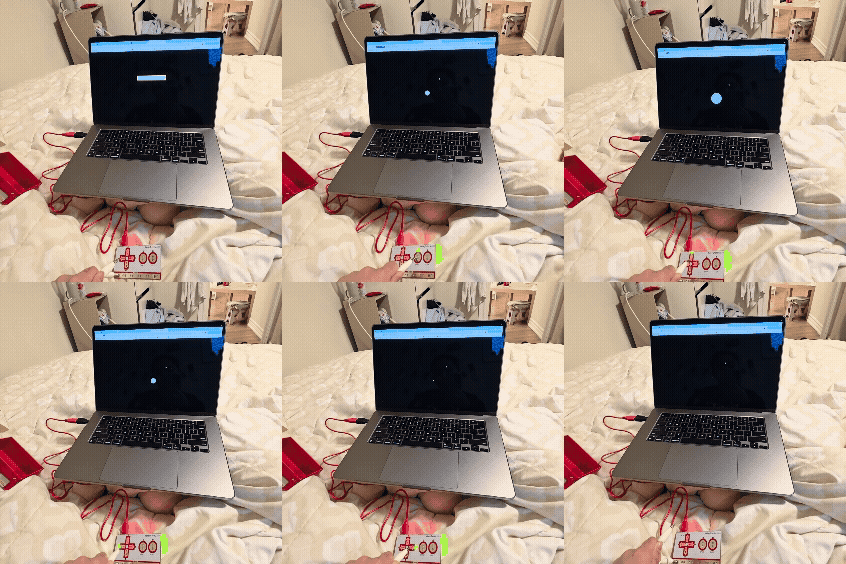
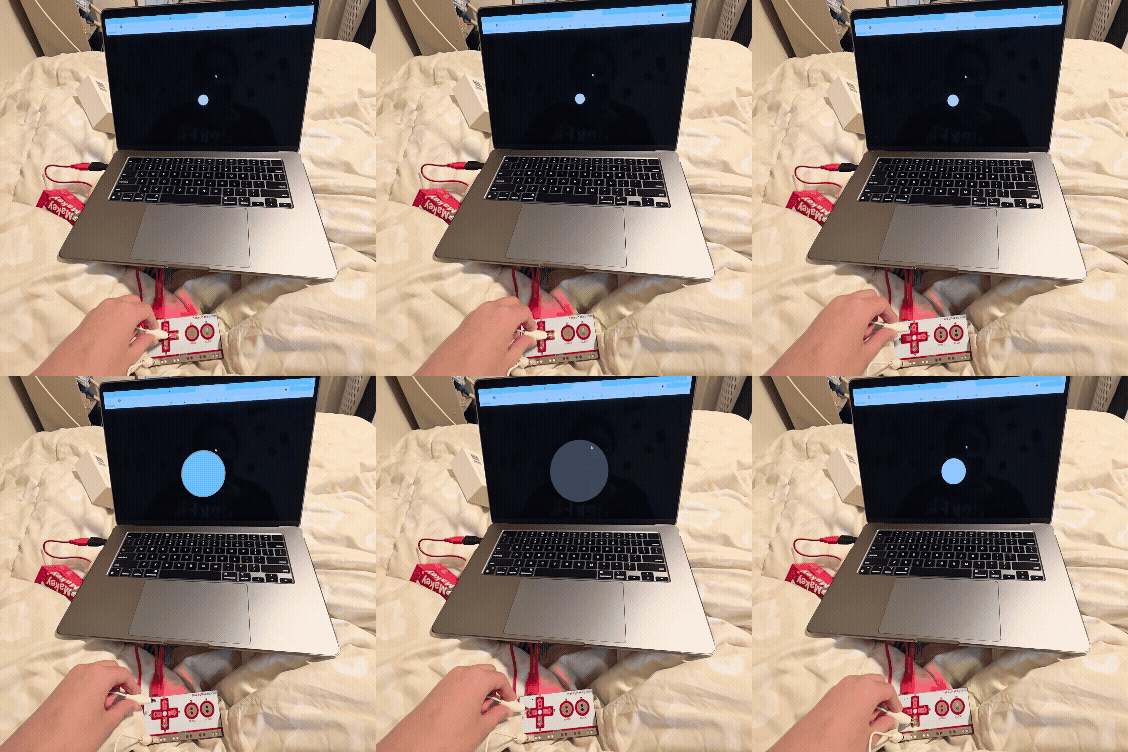
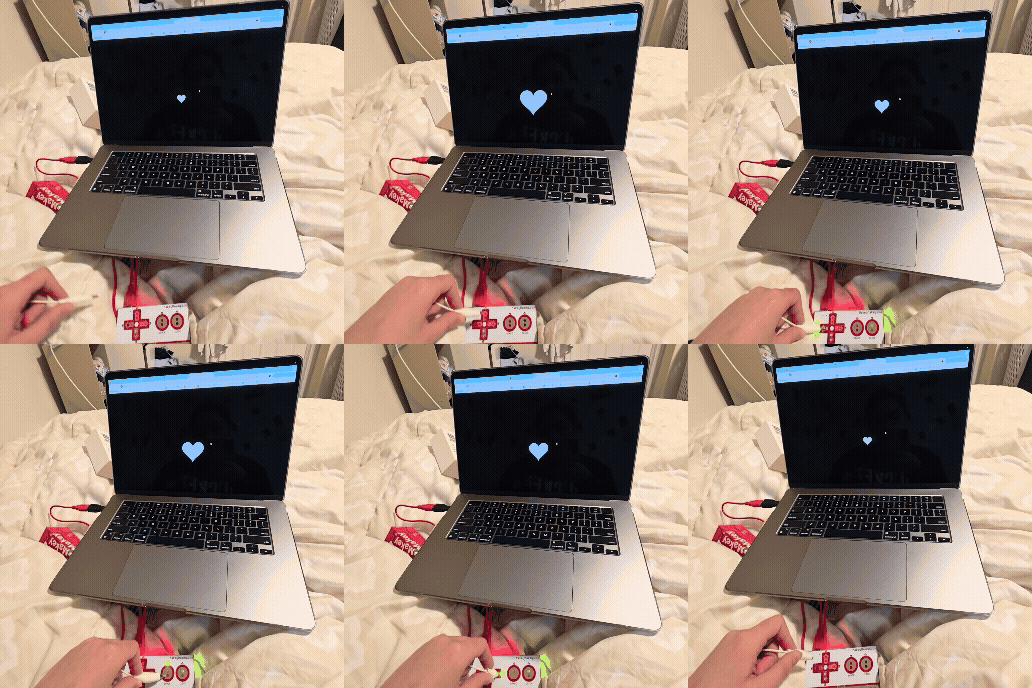
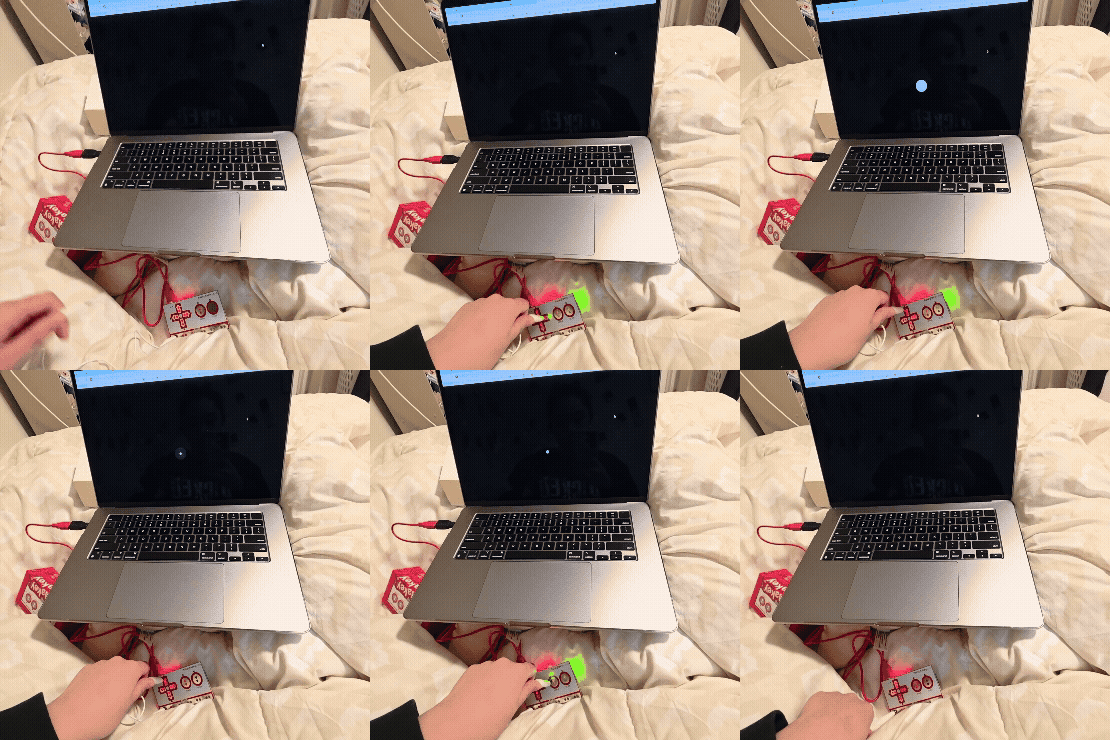
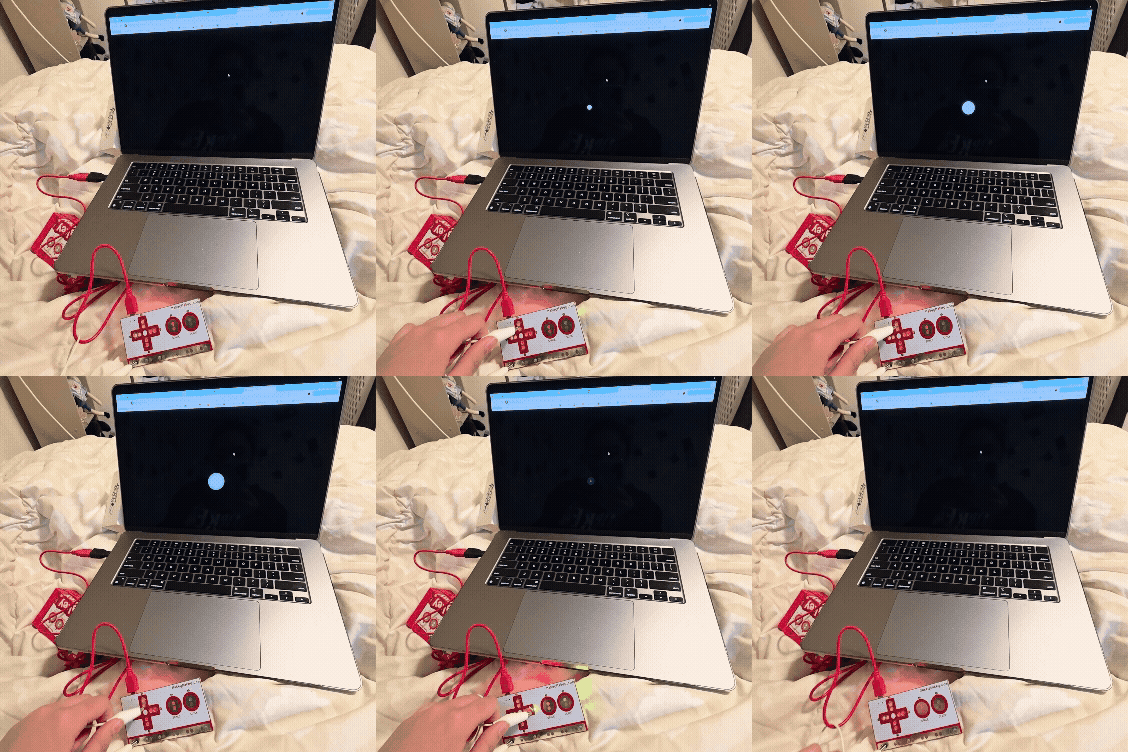
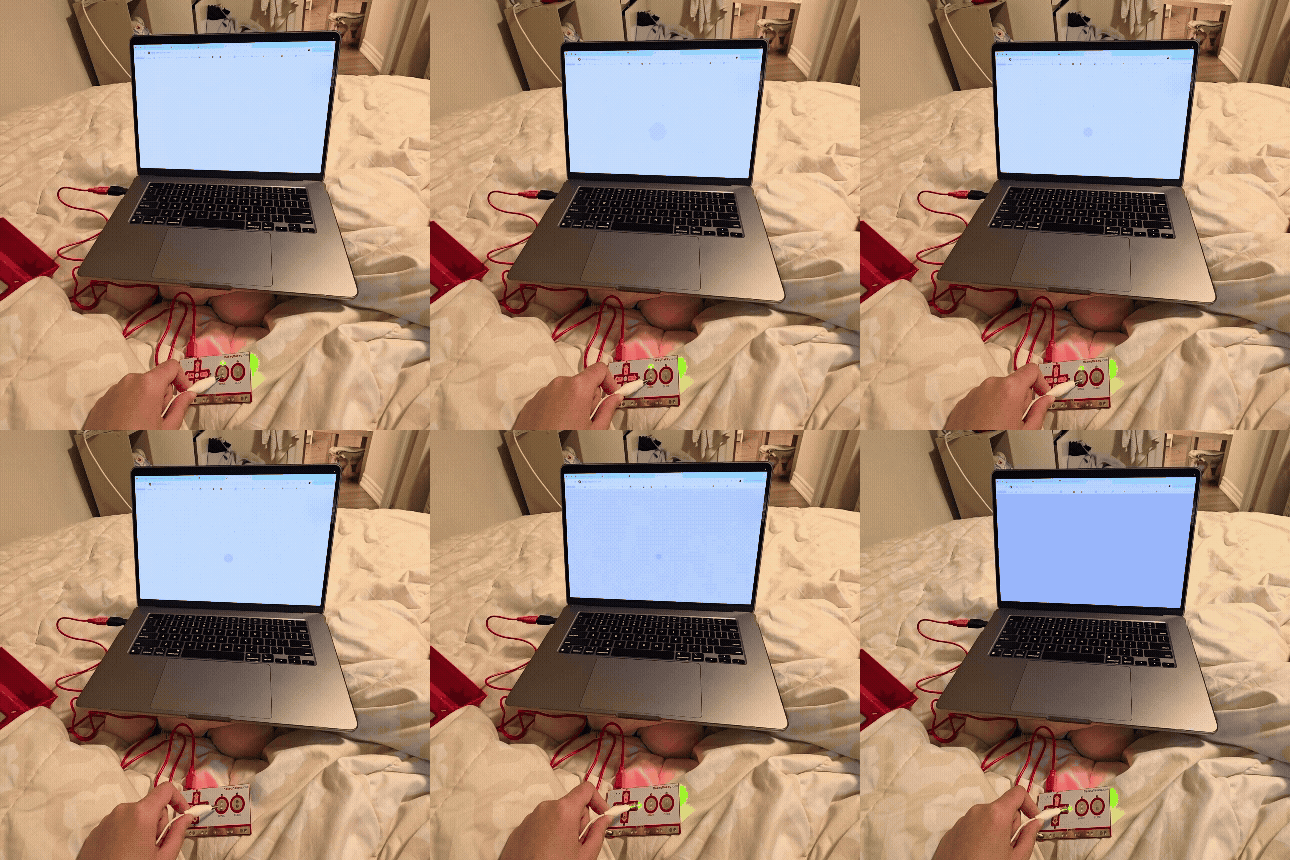
Connecting the arrow, key and the spaces to a colour Adding a description so the user knows what key they press for each color When clicking different keys, the square will become bigger, but when you stop, it will gradually get smaller Incorporating the arrow keys to go in the direction that they use their inputs Adding a table of contents to the top left of the screen, so the user will know what to do Using the arrow key to move the data around Changing the code to make the move faster Adding a trail to the circle when you press space When you click the circle makes a dash, kind of like a power up Testing to see if the Makey Makey would move the 3D object When you hold down the arrow key, the 3D object will start to spin faster Making the object go further away from the 3D object Adding a function where you press P and it will stop the object from rotating When you hit space, the object will change between different objects like a cube and sphere Making different objects appear when pressing space like a cylinder and cone Using different code with the Makey Makey, with the letters being 3D and spinning to spell the word code Testing out the zooming in and out and side to side code through the Makey Makey Making the zooming in and out slower Changing the object to a cube Involving sound with the Makey Makey Making the sound more high-pitched Every time it makes a sound when clicking on the key, the heart would go bigger Changing the different tones Making it a lower octave When making a sound, the screen will change a different colour

Activity 2
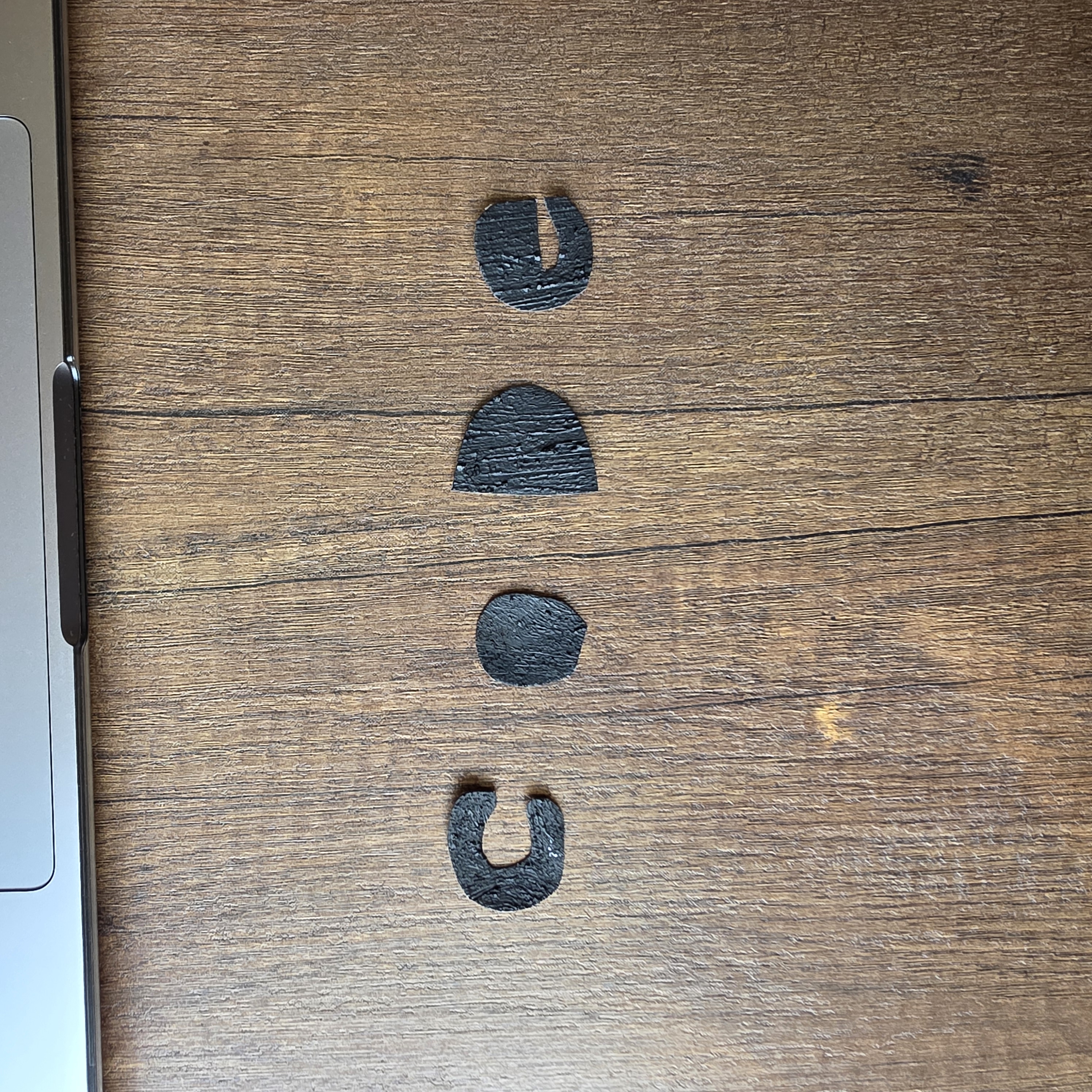
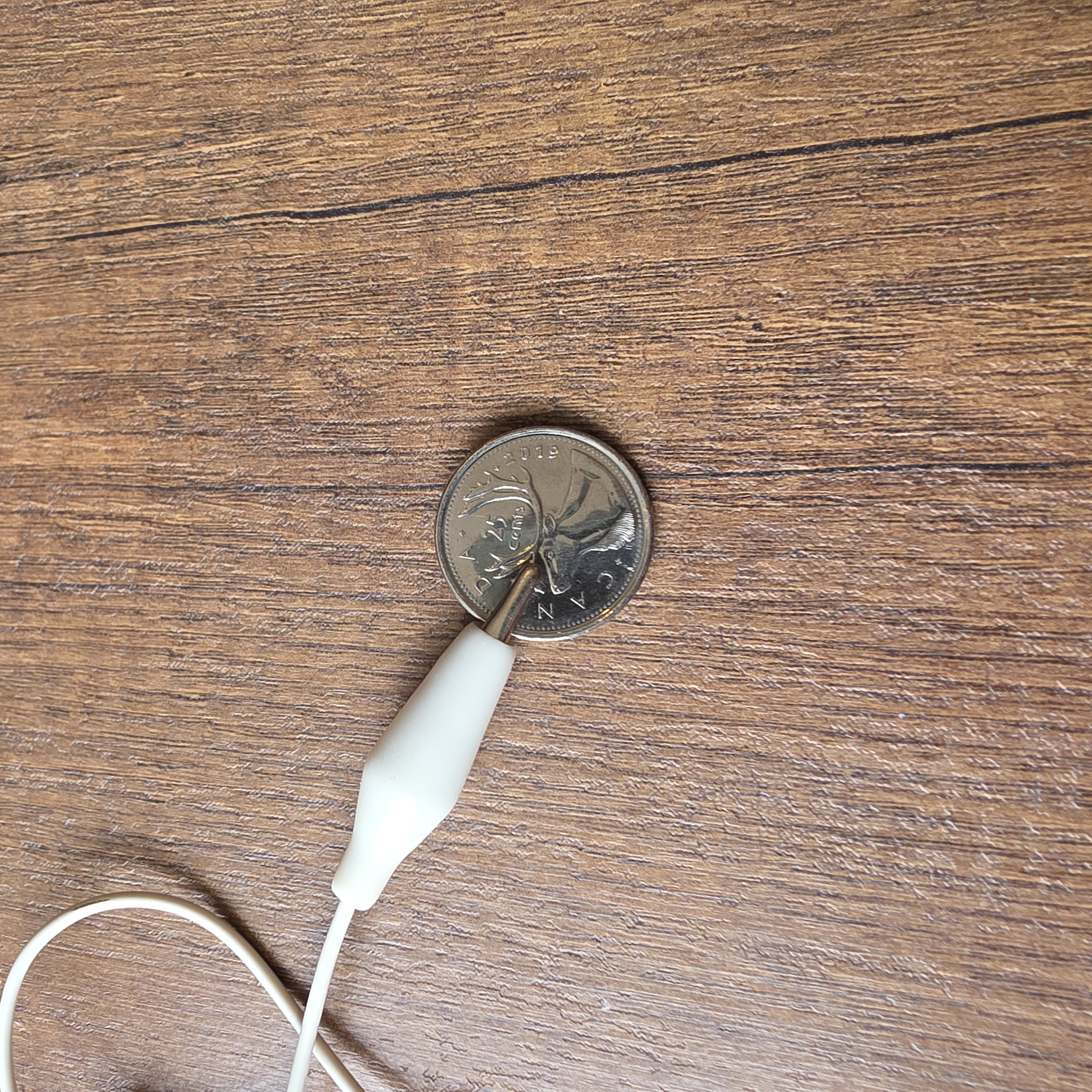
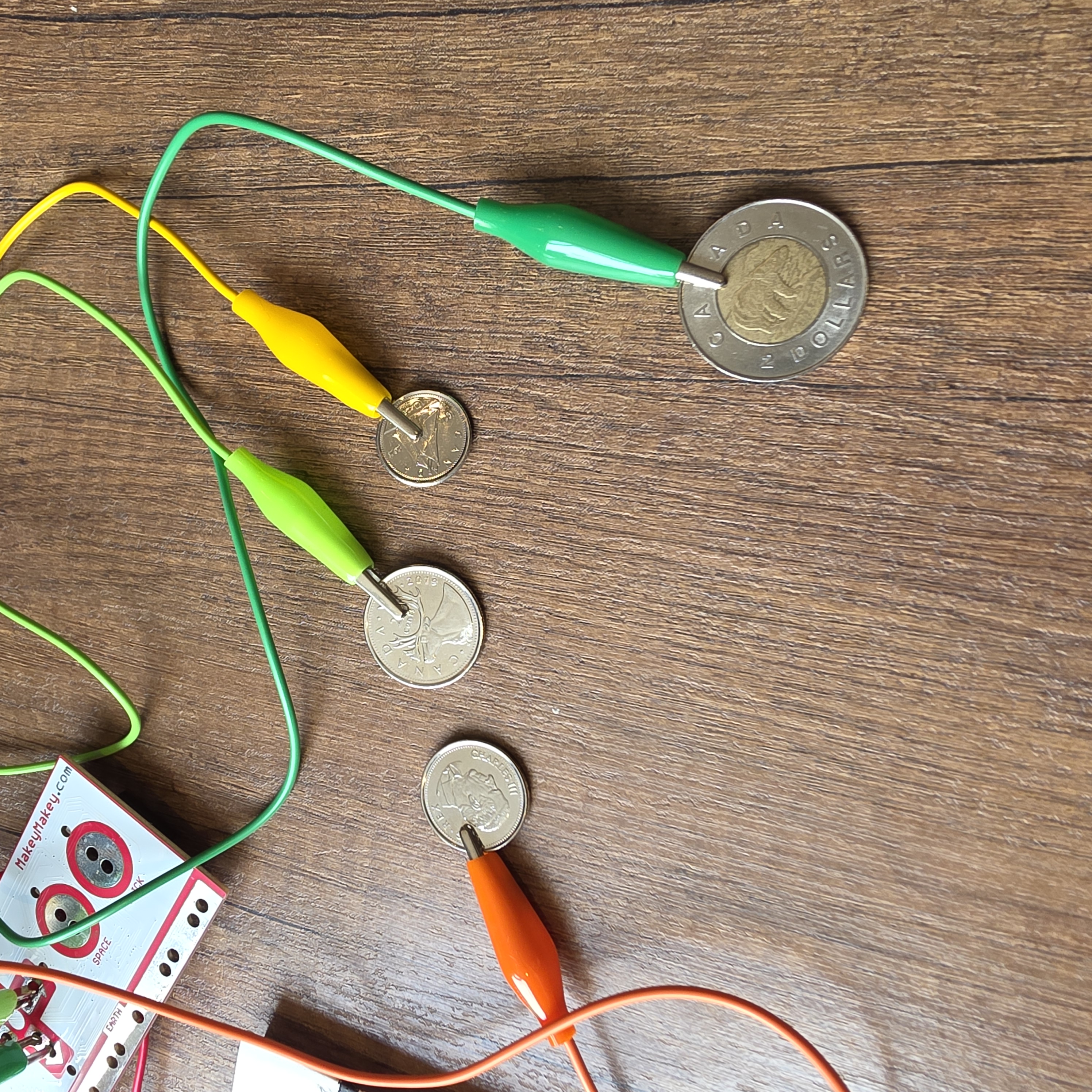
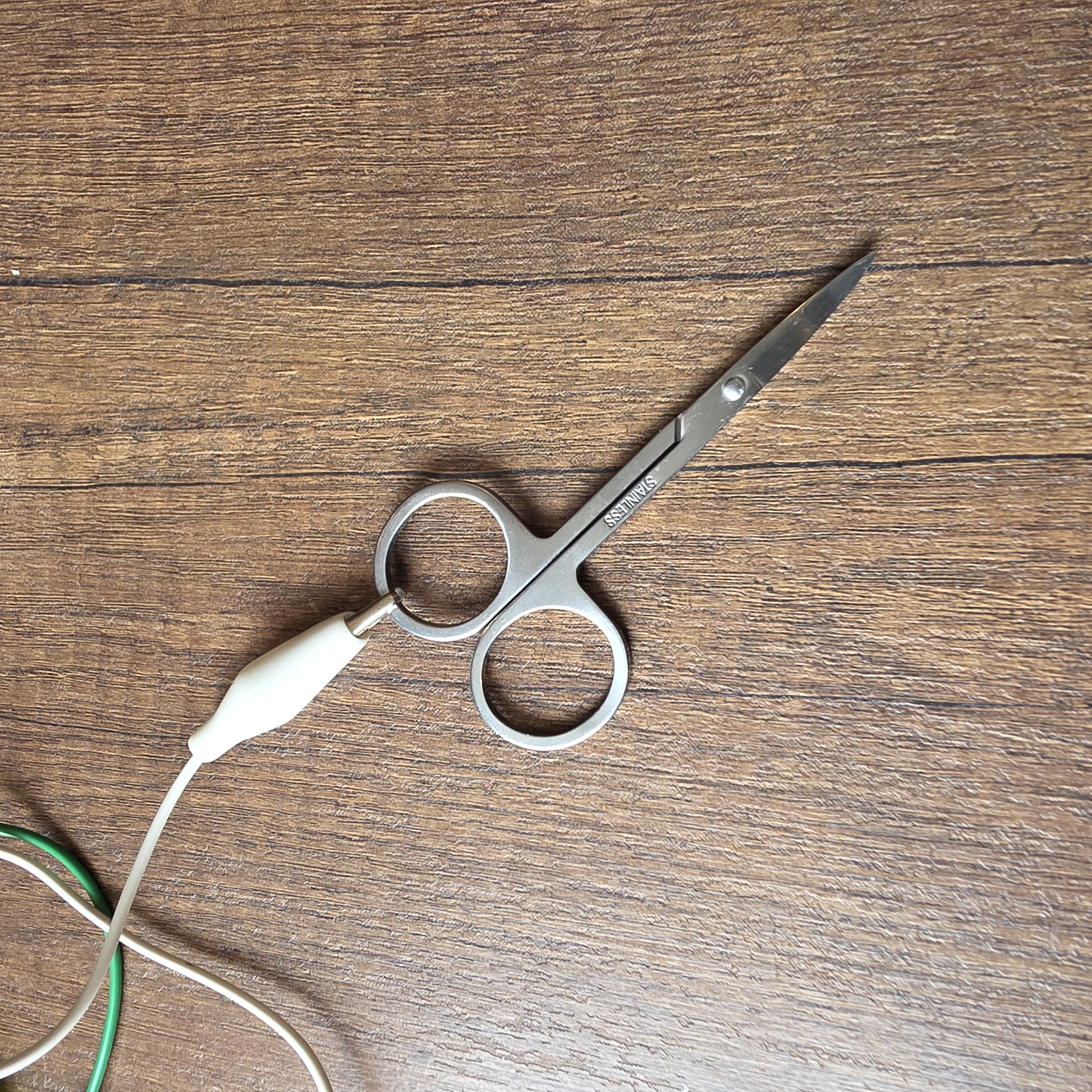
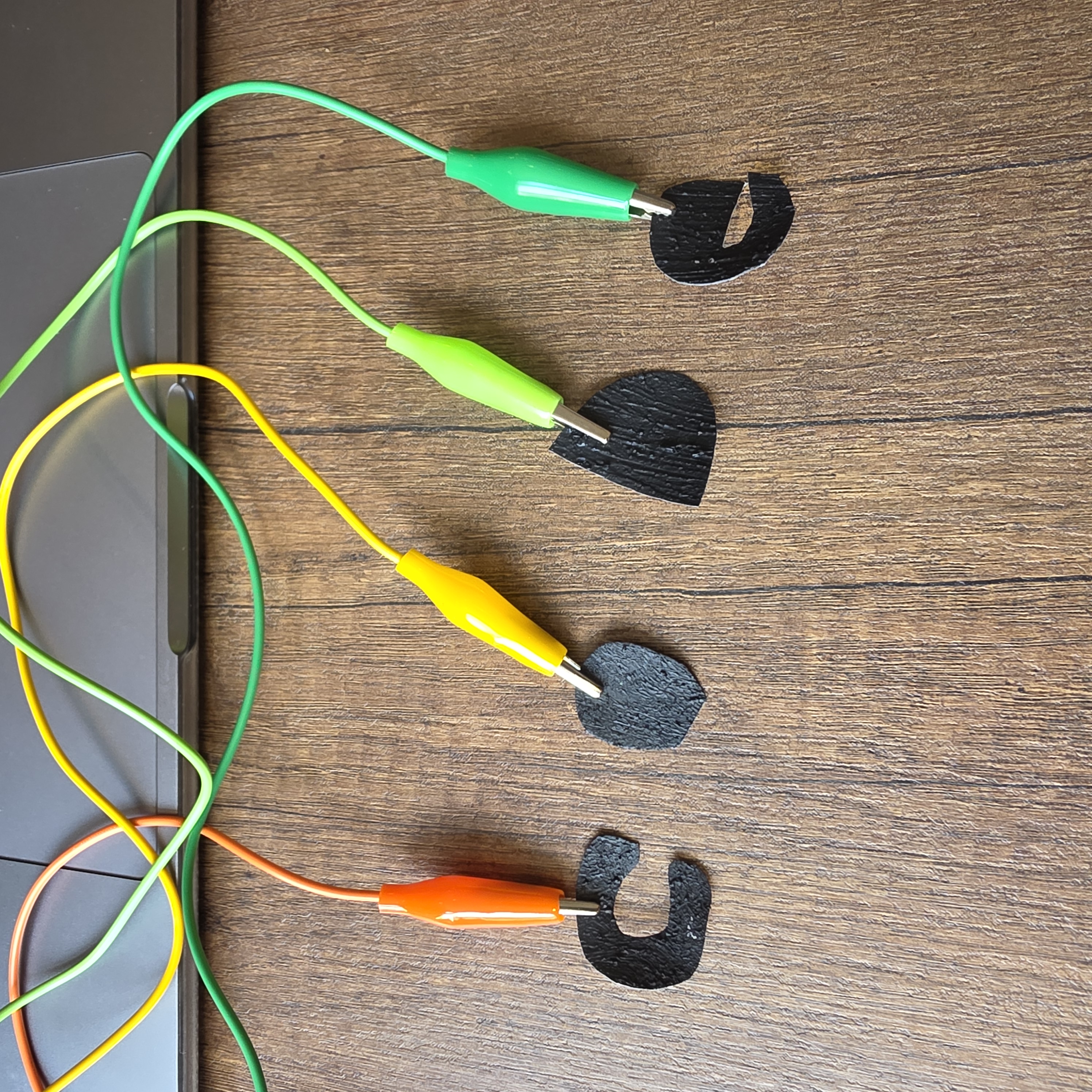
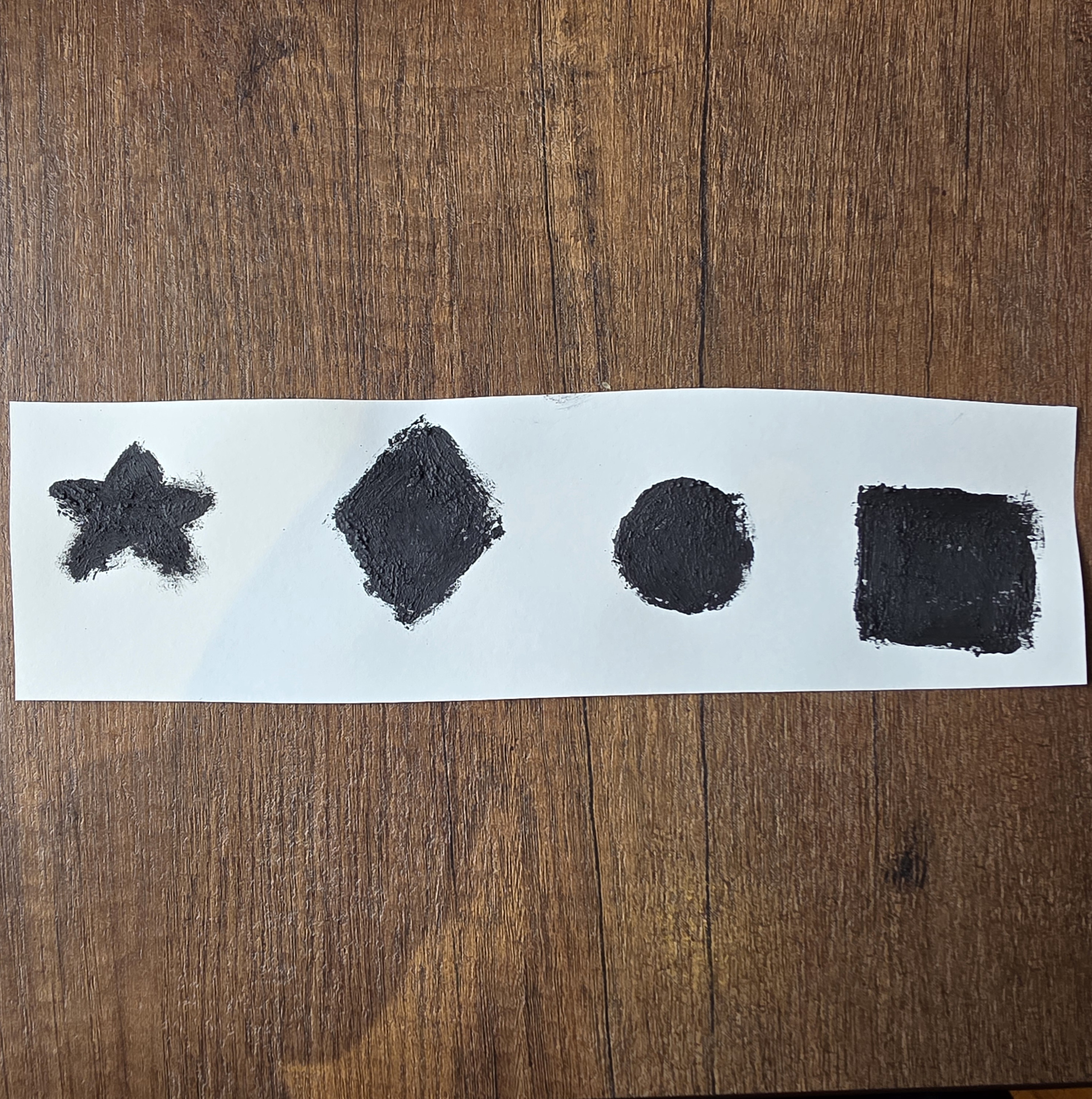
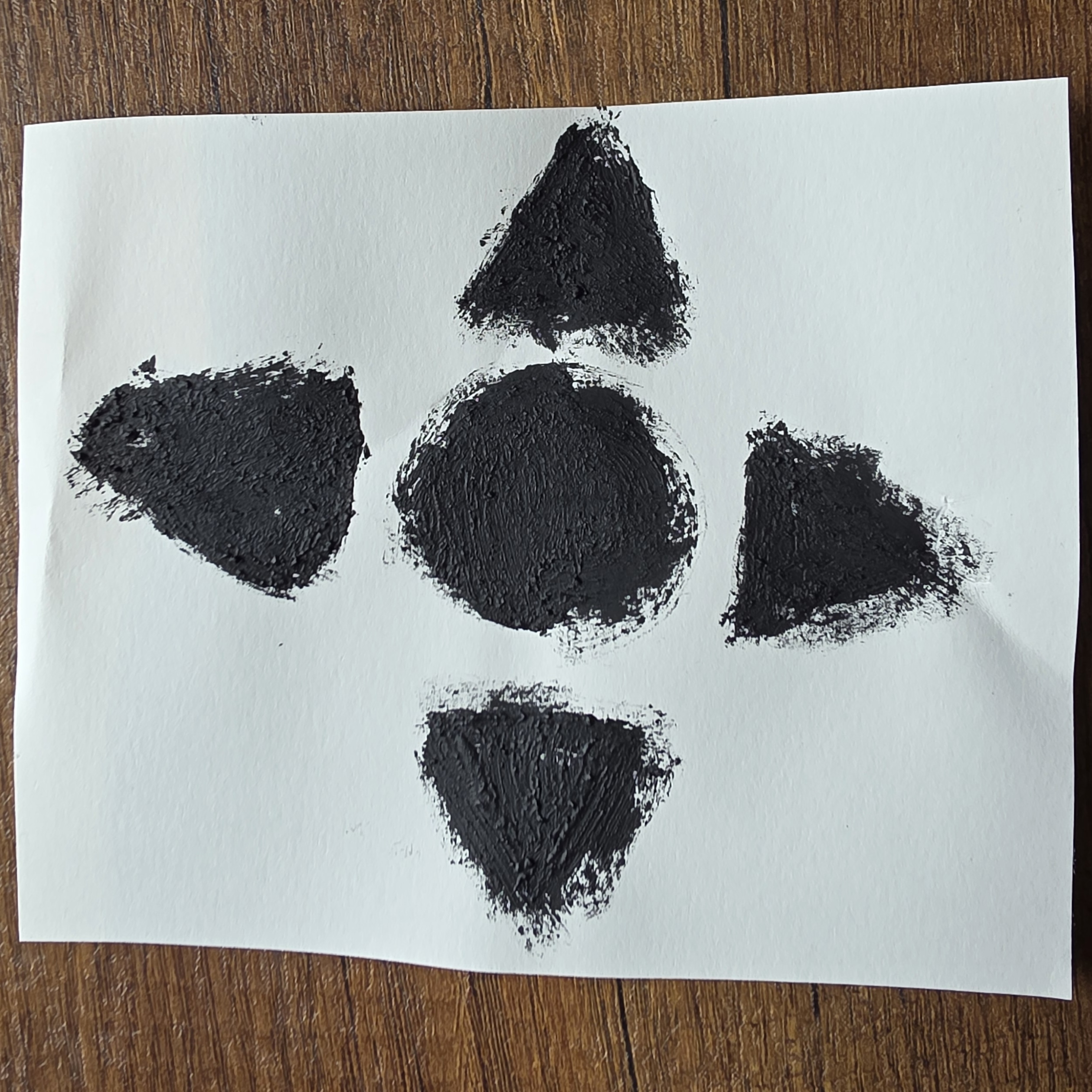
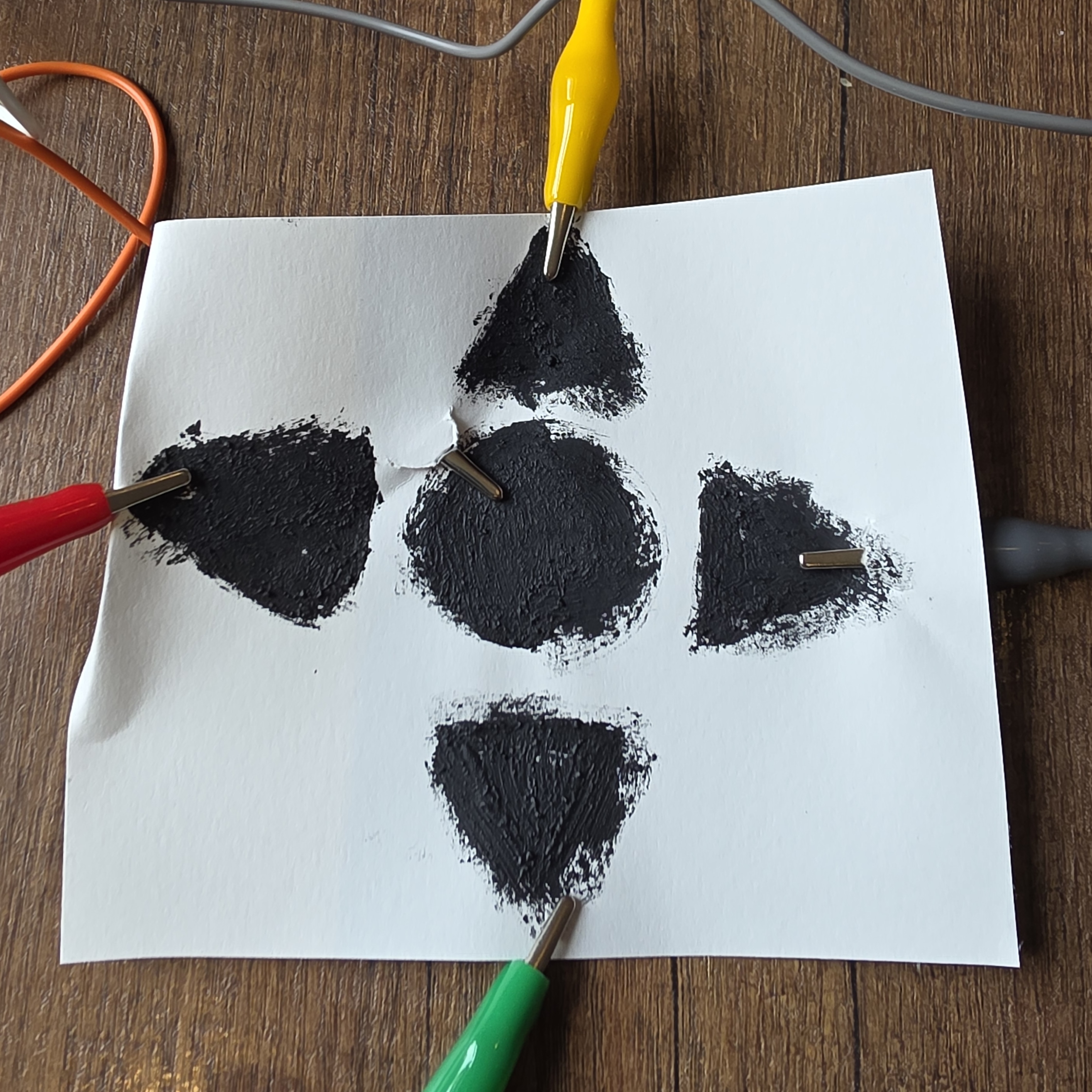
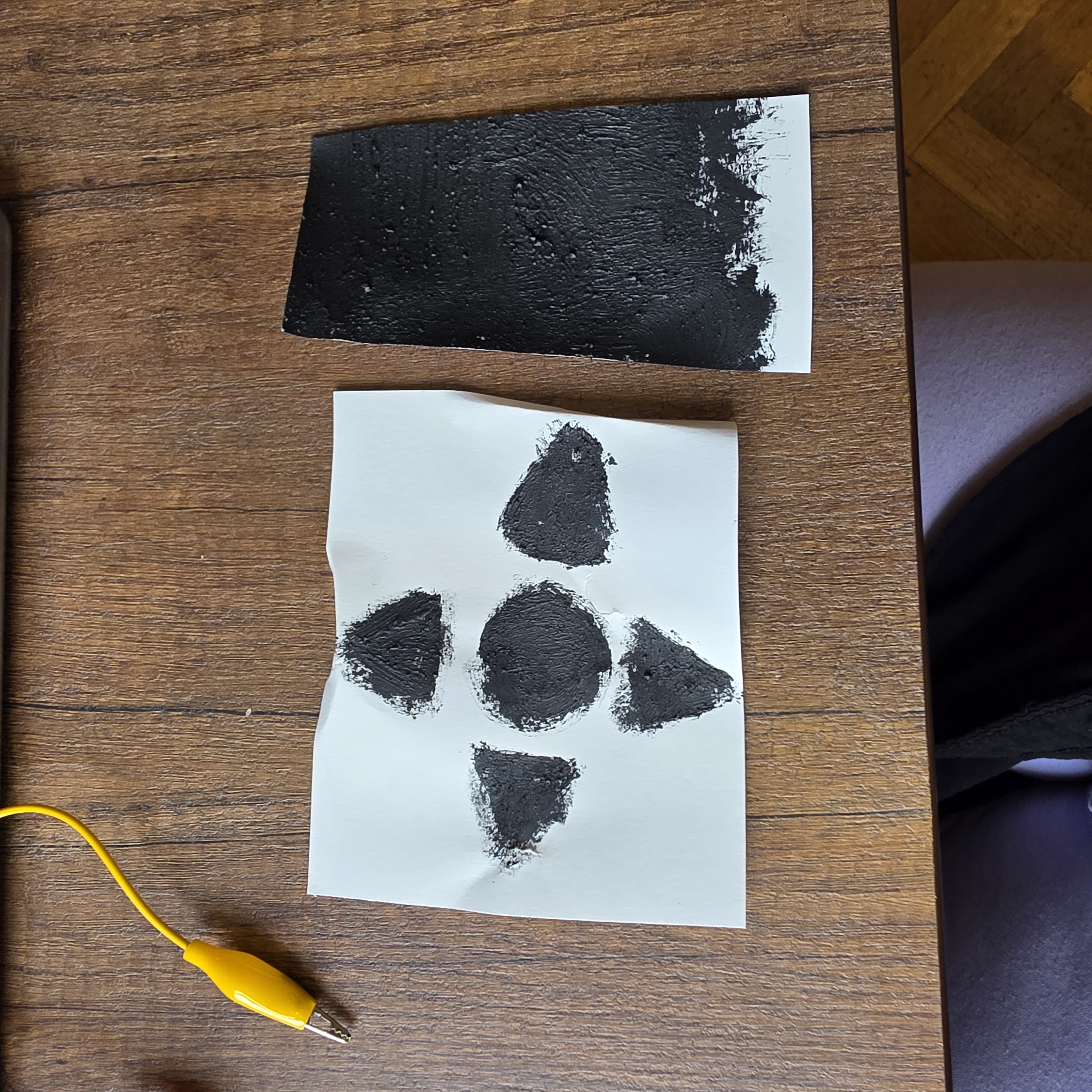
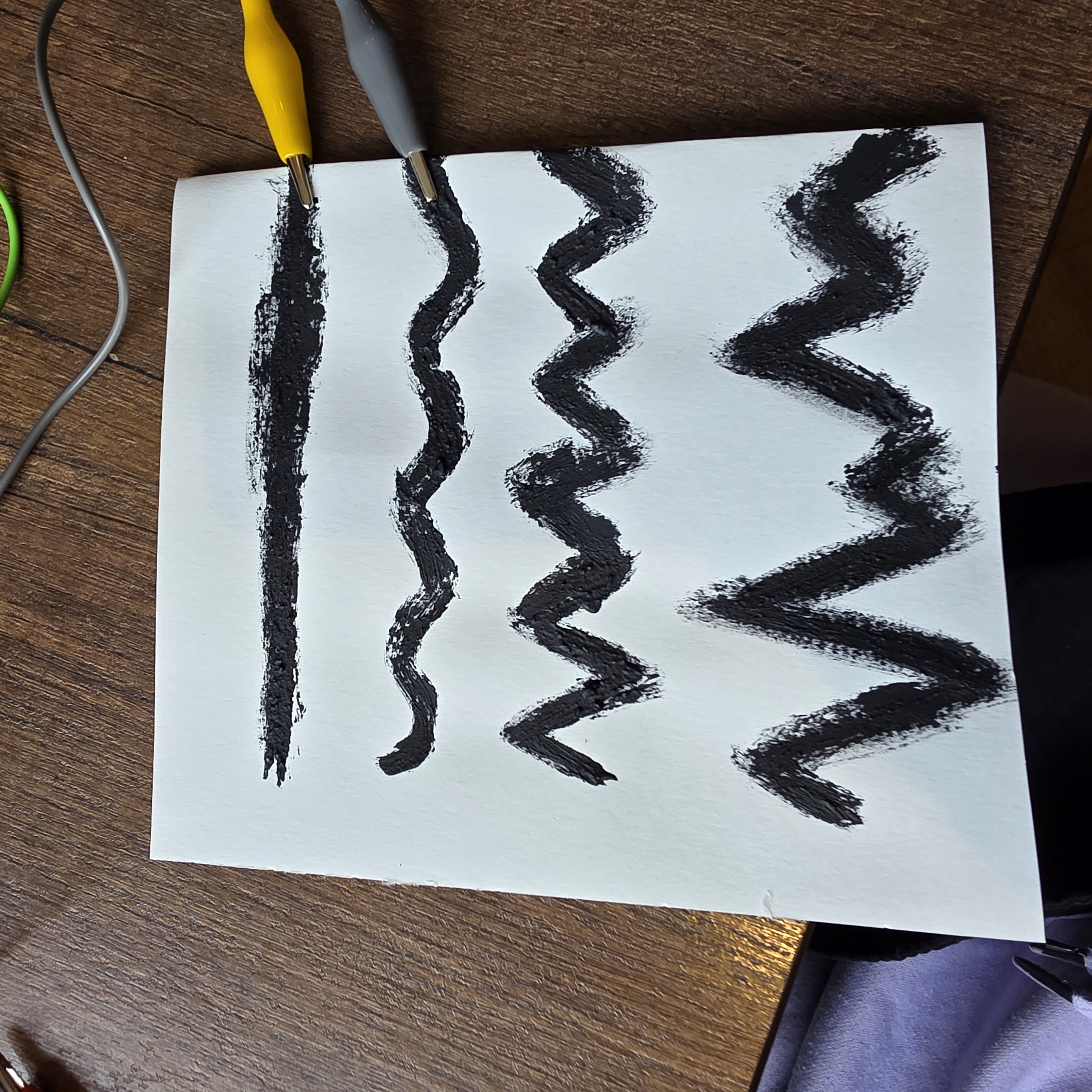
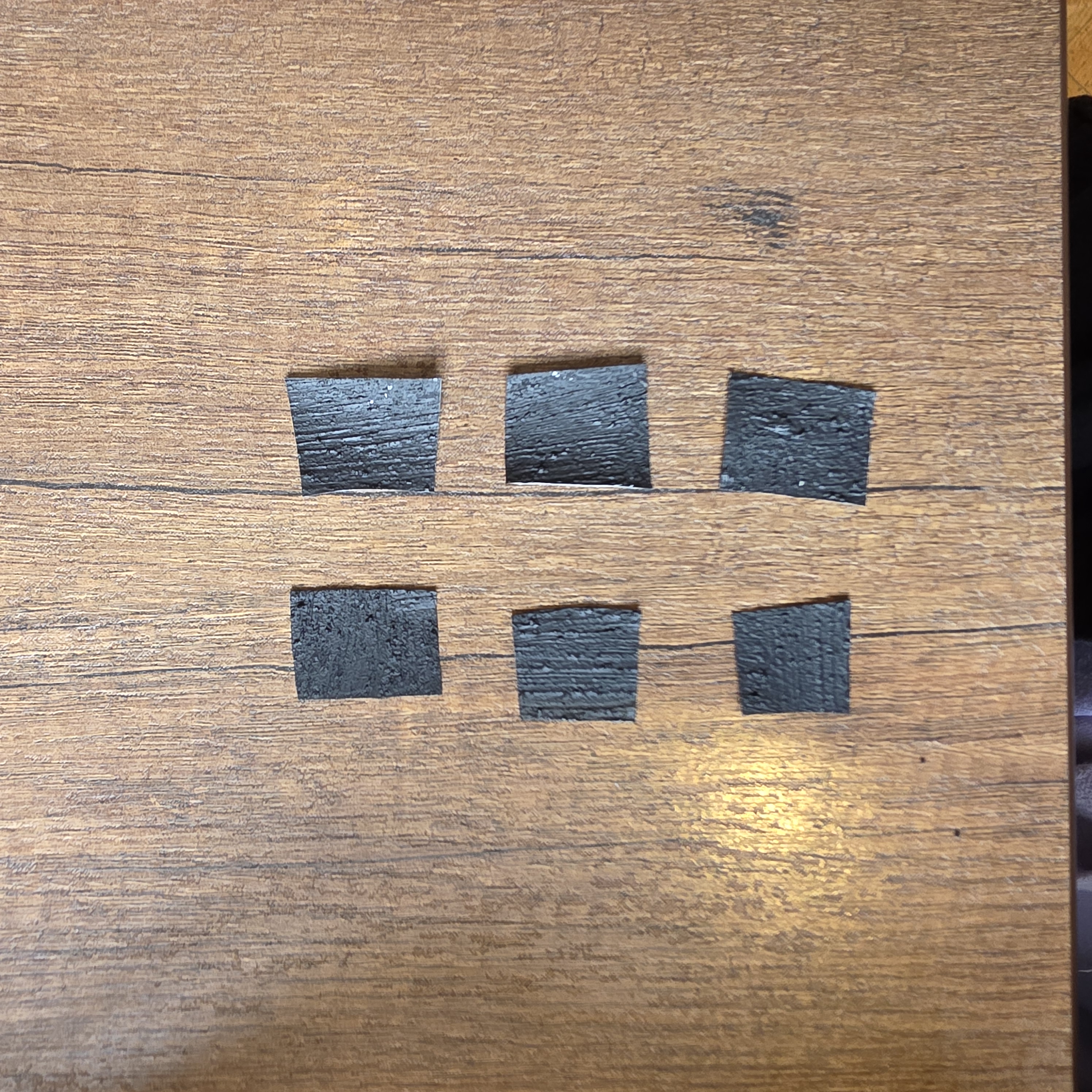
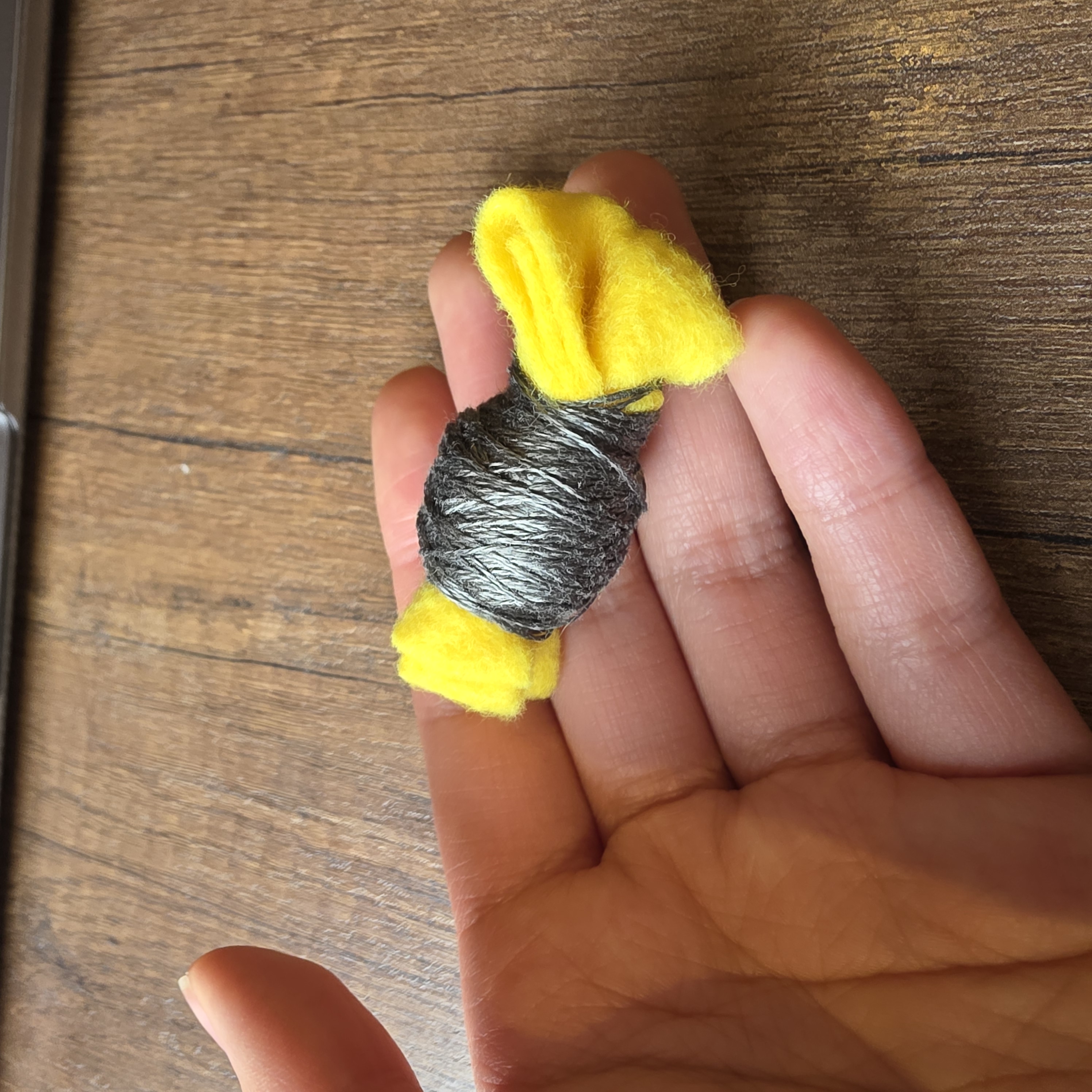
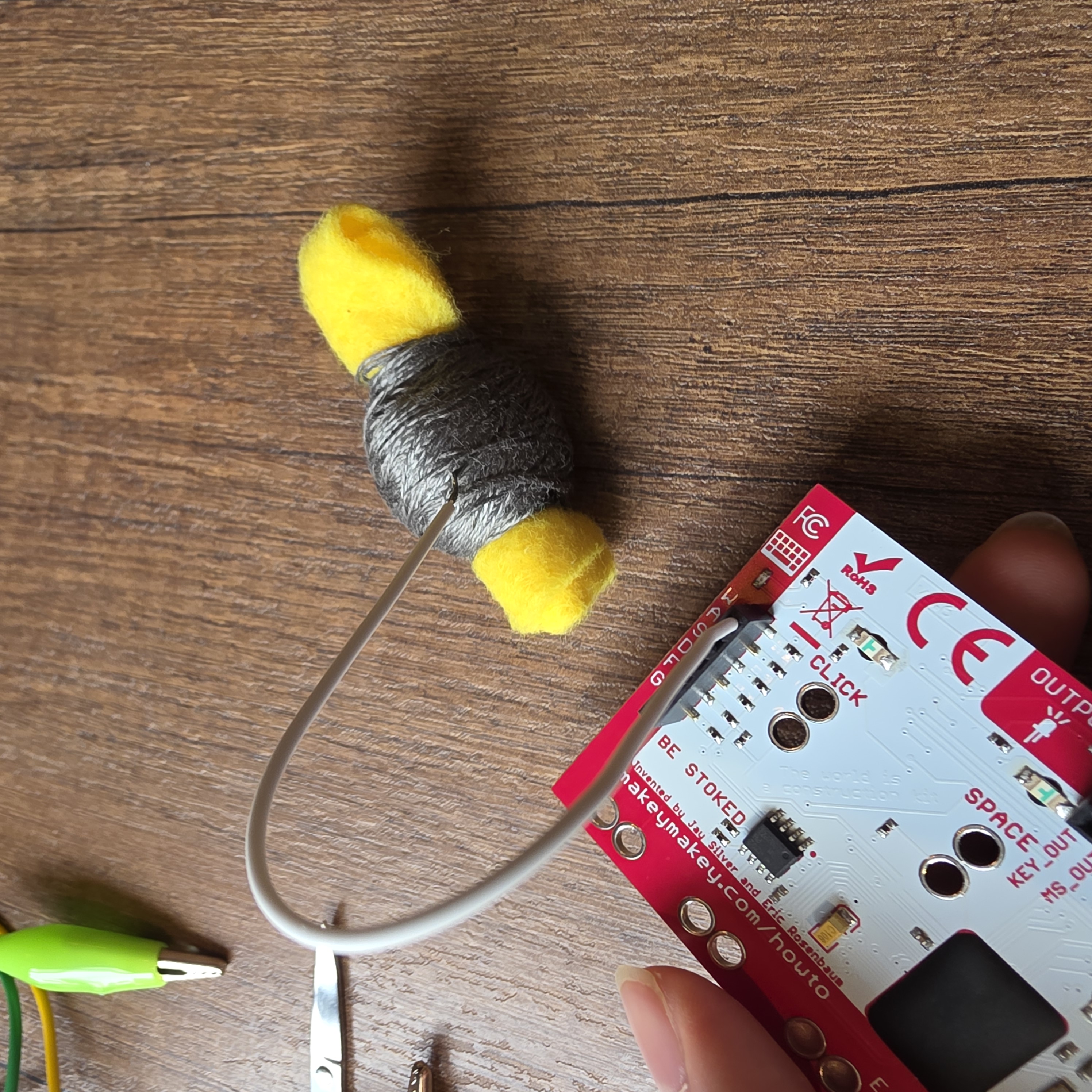
Seeing if coins are conductive which they are Then I add more coins so I can make it into some sort of code Using scissors as a conductive material Cutting out the words code in conductive paint Attaching the letters to the Makey Makey Conductive paint in different shapes such as star triangle circle, and square Using conducted pain to make an arrow keypad attaching the arrow keypad to the Makey Makey and testing it out adding onto the arrow keypad by making a WASD keypad with a space bar using conductive paint again to make different types of line to convey on the code such as a straight line, a zig zag line, and a wavy line cutting out conducted paint into six sections as exploring my project in using braille using conductive thread for my project as I'm going to embroider the braille onto the fabric instead of using claw clips, I may use the wire so it's easier to connect it to the Makey Makey and it will be more secure than using the clips

Project 3


Final Project 3 Design

Learning Braille through a Makey Makey and Conductive Thread Embroidery Project
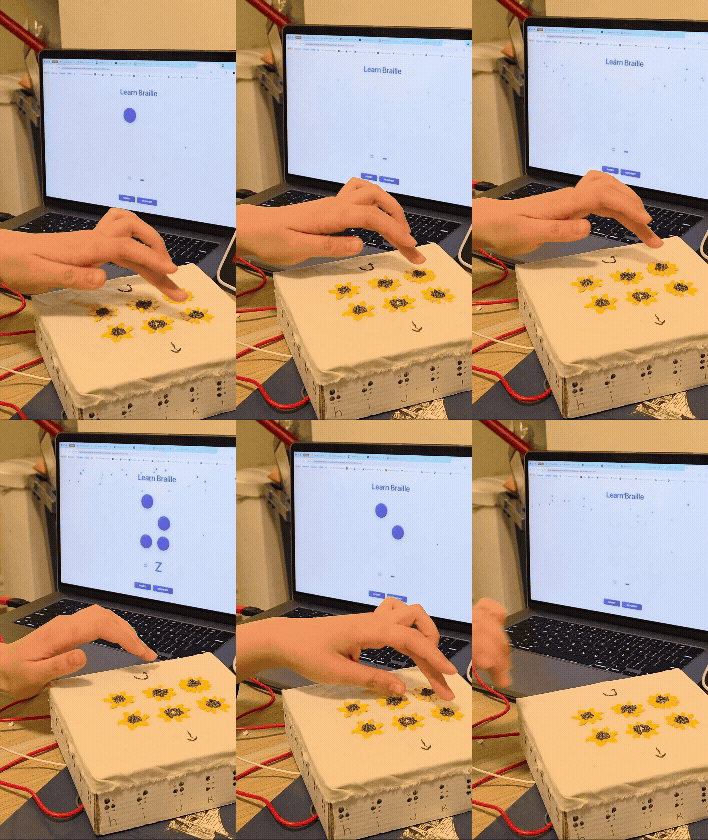
Braille project animation
×

Powered by w3.css